Auto-Assign WhatsApp Chats to Your Team
When enquiries start coming in from multiple customers, manual assignment can quickly slow down response time and create confusion over ownership. AiEngage CRM now gives you more control over how incoming WhatsApp conversations are assigned.
🆕 Features
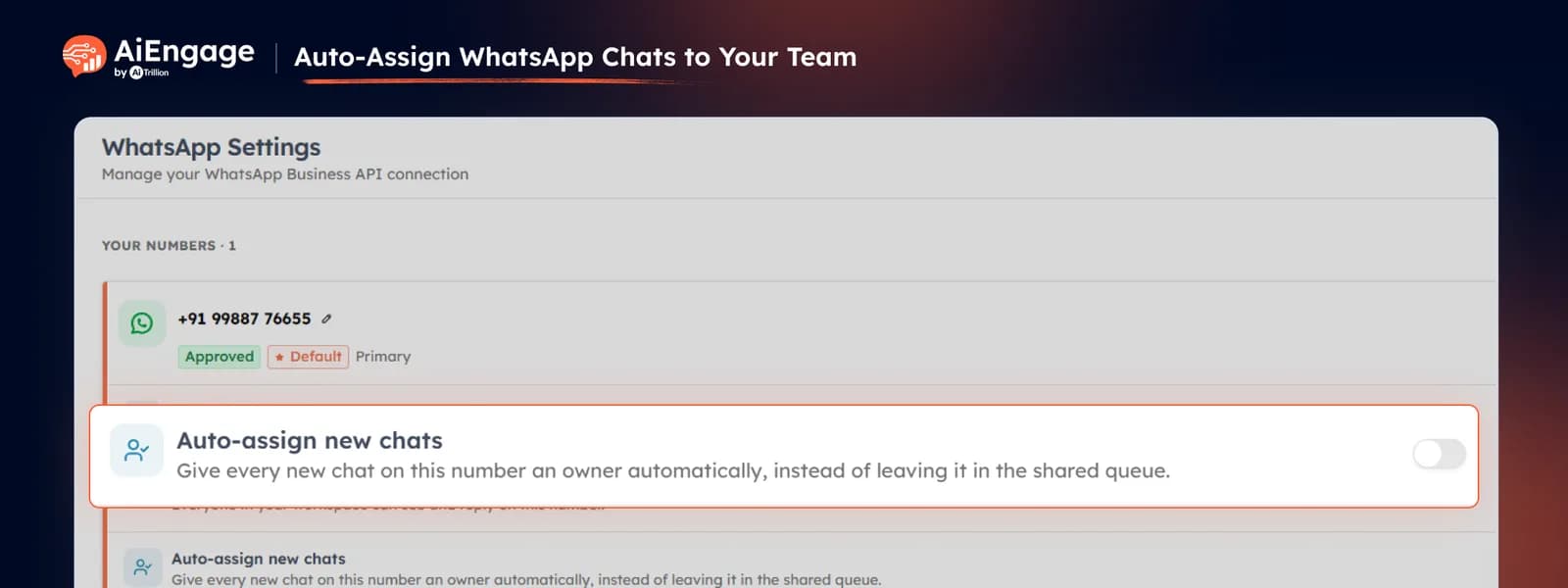
Auto-Assign New WhatsApp Conversations
Turn on Auto-Assign to automatically distribute new WhatsApp conversations among eligible team members instead of assigning each one manually. This helps new enquiries reach someone faster and keeps conversation ownership clear from the beginning.
Assign New Conversations to the Contact Owner
Already have an owner assigned to the customer inside your CRM? Enable Assign to Owner so new WhatsApp conversations can automatically go to the existing contact owner — helping the same salesperson or account manager continue the conversation instead of having it picked up by someone else.
❤️ Why You’ll Love It
Faster Response: new WhatsApp enquiries can reach the right team member without waiting for manual assignment.
Clear Ownership: every incoming conversation has a clear person responsible for handling it.
Better Continuity: existing customers can continue speaking with the team member who already owns their CRM record.
Less Manual Work: reduce the need to review and assign every new WhatsApp conversation individually.
🎯 Use Cases
Sales Teams: automatically distribute new WhatsApp leads among available team members.
Existing Customers: route returning customers back to their current contact owner.
High Enquiry Volume: keep ownership organized when many WhatsApp conversations arrive throughout the day.
Multi-Team WhatsApp: make it easier to control who handles conversations coming through shared business numbers.
For more details on enabling and using this feature, visit our Help Center or contact our support team.
New to AiEngage CRM? Sign Up