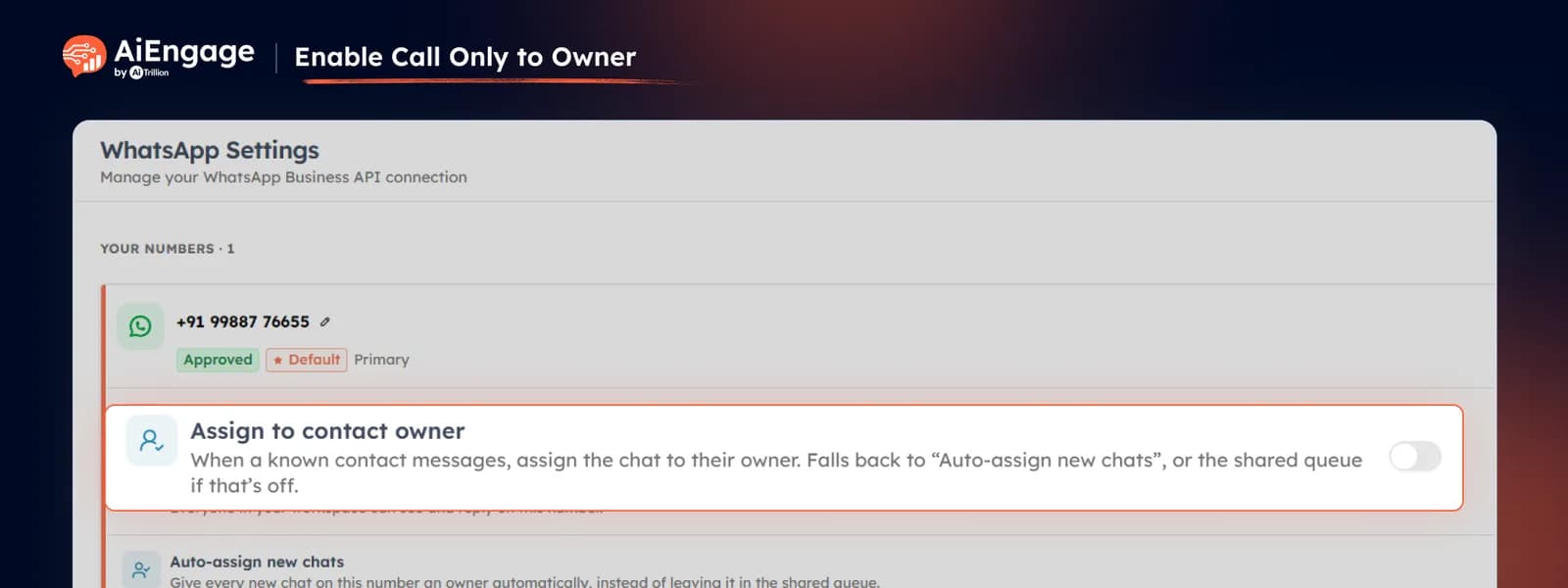
Enable Call Only to Owner
With Call Only to Owner enabled, when an existing lead or contact calls, our CRM first checks the owner assigned to that CRM record and rings that person directly. If the owner is busy or unavailable, the call follows the fallback behavior you have configured, such as sending the call to voicemail or handling it through your selected routing setup.
This works alongside your incoming call settings, including:
Assigned agents.
Simultaneous or sequential ringing.
Owner-based routing.
Busy or unavailable handling.
Voicemail fallback.
IVR routing when required.
❤️ Why You’ll Love It
Better Call Continuity: existing customers reach the person who already knows their history.
Less Repeating Context: customers do not have to explain everything again to a new team member.
Clear Ownership: calls stay aligned with the lead or contact owner already assigned in the CRM.
Faster Conversations: the right person gets the call without unnecessary transfers.
Reliable Fallback: calls can still follow your configured routing when the owner is unavailable.
🎯 Use Cases
Existing Sales Leads: route returning prospects directly to the salesperson already handling them.
Account Management: connect existing customers with their assigned account owner.
Follow-Up Calls: let leads call back and reach the same person they were already speaking with.
High-Value Opportunities: keep important incoming calls with the owner managing the deal.
Customer Support Handoffs: maintain continuity when a specific team member already owns the customer relationship.
For more details on enabling and using this feature, visit our Help Center or contact our support team.
New to AiEngage CRM? Sign Up