Best Calendly Alternatives for Scheduling and Demos in 2027
Compare the best Calendly alternatives for scheduling and demos in 2027. Pricing, free plans, CRM sync, and WhatsApp reminders to cut no-shows.
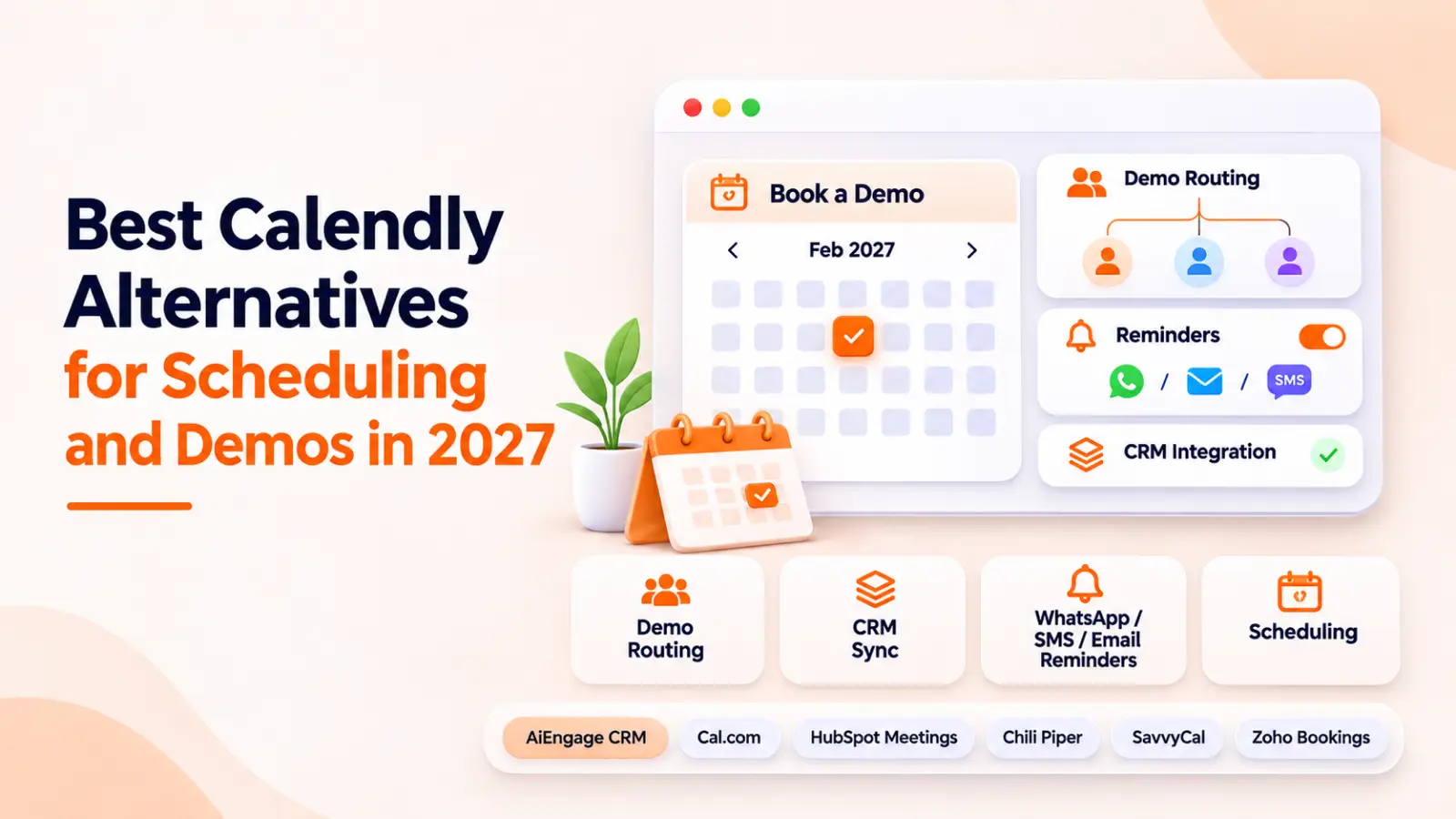
- 1Why Teams Look for Calendly Alternatives
- Pricing jumps as the team grows
- Limited lead routing and qualification for demos
- Weak CRM sync and follow-up after booking
- No WhatsApp or SMS reminders to cut no-shows
- 2How We Picked These Calendly Alternatives
- 3Quick Comparison Table of the Best Calendly Alternatives
- 46 Best Calendly Alternatives for Scheduling and Demos
- 1. AiEngage CRM
- 2. Cal.com
- 3. HubSpot Meetings
- 4. Chili Piper
- 5. SavvyCal
- 6. Zoho Bookings
- 5Which Calendly Alternative Fits Your Use Case?
- Best demo scheduling software for sales teams
- Best free Calendly alternative for solo users and freelancers
- Best appointment scheduling software for service businesses
- Best scheduling tool with CRM integration
- 6Features to Check Before You Switch
- 7How to Set Up a Demo Booking Flow That Reduces No Shows
- 8Conclusion
- 9Frequently Asked Questions
- Question: What is the best free Calendly alternative?
- Question: Which Calendly alternative is best for sales demos?
- Question: Is there a Calendly alternative with built-in CRM?
- Question: Can I move my existing booking links from Calendly?
- Question: Which meeting scheduling tool sends WhatsApp reminders?
A booking link is the easy part. The real work starts after someone picks a slot: making sure they show up, making sure the right rep takes the call, and making sure the meeting lands in your pipeline instead of someone's notebook.
Calendly handles the first part well. For many growing teams, it is the rest that pushes them to look at Calendly alternatives.
So let's look at what to switch to, and which tool fits which kind of team.
Why Teams Look for Calendly Alternatives
Calendly is a good product. But when we talk to sales leaders, the same four problems keep coming up.
Pricing jumps as the team grows
Calendly charges per seat. The Standard plan is $10 per seat each month on annual billing, and round robin sits in the Teams plan at $16 per seat. For a 10-person sales team, that is $1,920 a year just for booking links, before you add a CRM.
Limited lead routing and qualification for demos
A demo request from a 200-person company and one from a student doing research should not land on the same calendar. If you want to qualify first and book second, you need a Calendly alternative for sales teams with routing built in.
Weak CRM sync and follow-up after booking
In our experience, a booked meeting is only half the job. If it does not appear in your pipeline with the lead source and next step, your reps walk into calls without context.
No WhatsApp or SMS reminders to cut no-shows
In India, the Middle East, and Southeast Asia, people check WhatsApp far more often than email. Many scheduling tools stop at email reminders, with SMS sold as a paid extra.
How We Picked These Calendly Alternatives
We looked at each tool the way a sales manager would during a real buying decision:
Ease of setup: Can a non-technical person go live in under an hour?
Demo routing: Does the right lead reach the right rep?
Reminders: Which channels, and are they included in the price?
CRM connection: Does booking data reach the pipeline on its own?
Pricing clarity: Can you predict the bill as the team grows?
Quick Comparison Table of the Best Calendly Alternatives
Tool | Best For | Free Plan | Starting Price | CRM Integration | Reminder Channels |
|---|---|---|---|---|---|
AiEngage CRM | Demos with CRM and WhatsApp follow-up | Free trial | Based on your business requirements | Built in | WhatsApp, SMS, email |
Cal.com | Developers and flexible setups | Yes (1 user) | $12/user/month (annual) | Via integrations | Email, SMS workflows |
HubSpot Meetings | Teams already on HubSpot | Yes (1 personal link) | Free; team features on paid Sales Hub | Built in (HubSpot) | |
Chili Piper | B2B inbound demo routing | No | $15 to $30/user/month + platform fee | Salesforce, HubSpot | Email, SMS |
SavvyCal | Polished booking experience | Trial only | About $10/user/month | Via integrations | Email, SMS (paid) |
Zoho Bookings | Budget teams using Zoho | Yes (1 staff) | $6/user/month (annual) | Zoho CRM | Email, SMS |
Note: Prices are based on public pricing pages and may change, so check each tool's official website before you buy.
6 Best Calendly Alternatives for Scheduling and Demos
1. AiEngage CRM
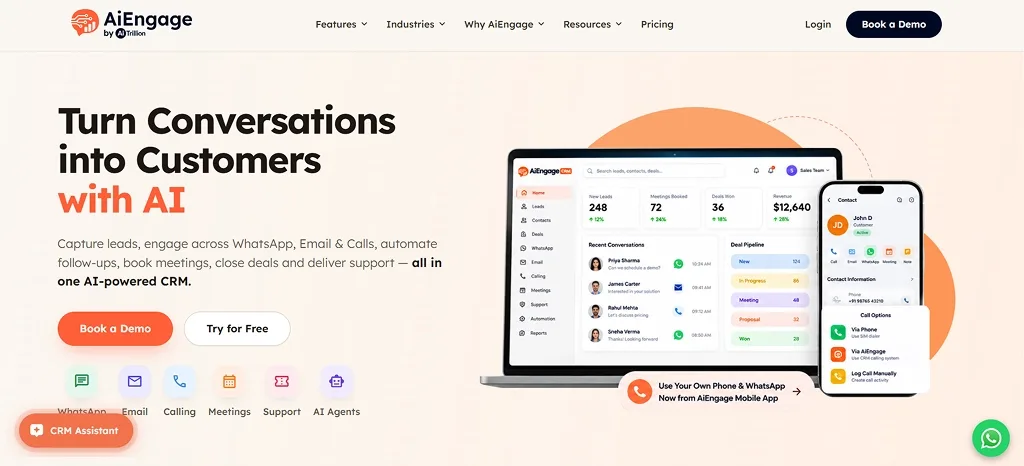
AiEngage CRM is an AI-first CRM with a built-in appointment and scheduling module. It treats the booking as one step in the customer journey, not a separate event.
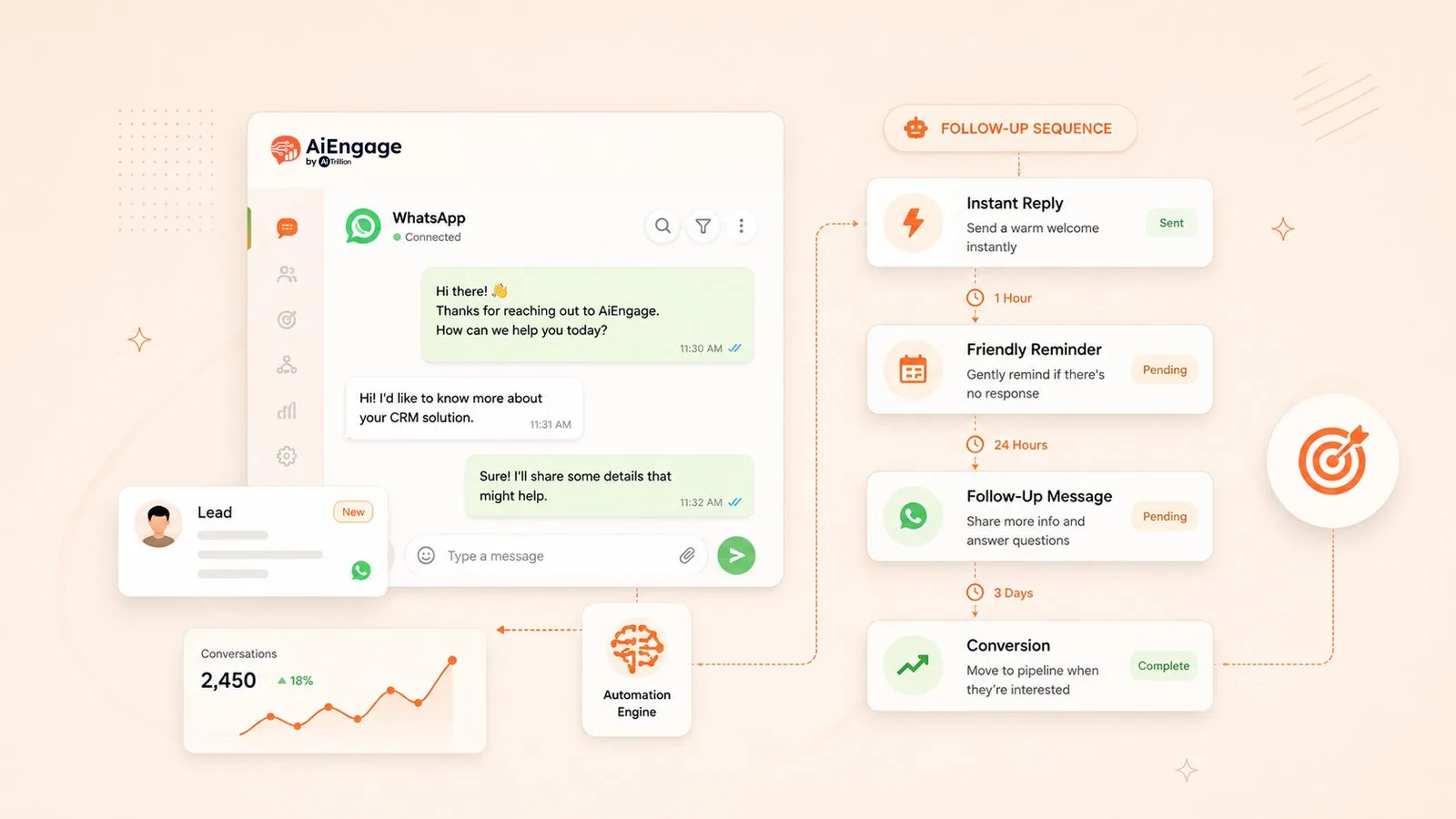
A lead comes in from a form, an ad, or WhatsApp → a meeting gets booked → reminders go out → the deal moves forward, all in one place.
This matters most for teams that run on WhatsApp. Confirmations and reminders go out on WhatsApp, SMS and email, so the prospect gets the message where they actually read it.
Key features:
Scheduling linked to leads and the sales pipeline
Automated reminders on WhatsApp, SMS and email
Lead capture from forms, Facebook Ads, Google Ads and WhatsApp
Follow-up workflows and booking dashboards
Pricing: Free trial available. Check the AiEngage CRM pricing page for current plans.
Best for: Sales and service teams in real estate, healthcare, education, finance and IT that want booking and follow-up in the same tool.
2. Cal.com
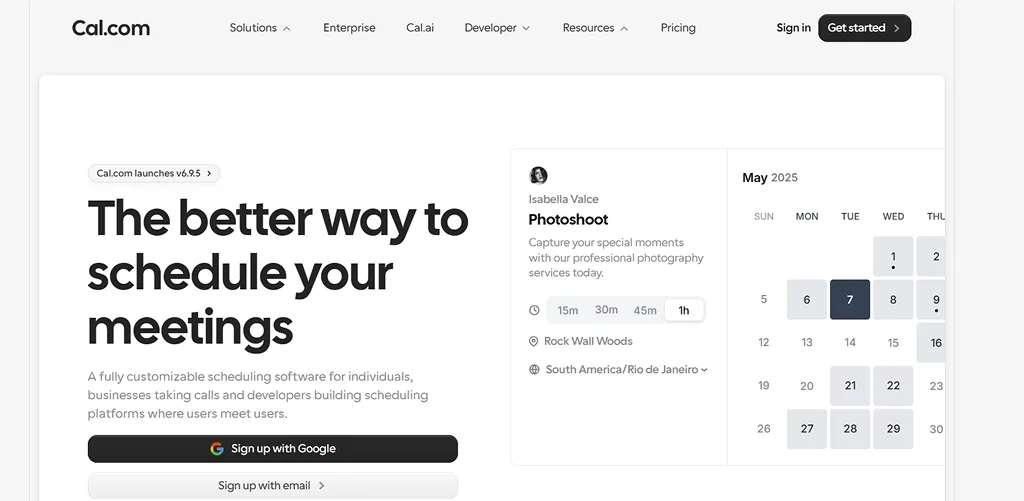
Cal.com is a flexible scheduling tool with a hosted version, a strong API, and a self-hosted community edition. The free plan is generous for one person, and paid plans add routing forms, round robin, and reminder workflows. Pipeline updates still need a separate CRM.
Pricing: Free for one user. Teams at $12 per user each month on annual billing.
Best for: Developers and product teams who want full control over scheduling.
3. HubSpot Meetings
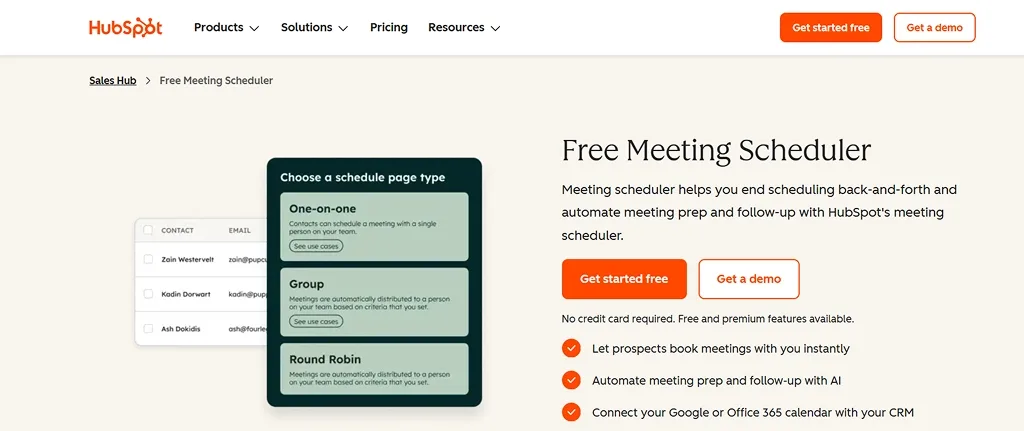
HubSpot Meetings is the scheduler built into HubSpot. The free version gives one personal link with HubSpot branding, while round robin needs a paid Sales Hub plan. If you are reviewing your whole HubSpot setup, our guide on HubSpot alternatives for growing sales teams compares other options.
Pricing: Free for one personal link. Team features come with paid Sales Hub plans.
Best for: Teams already running sales inside HubSpot.
4. Chili Piper
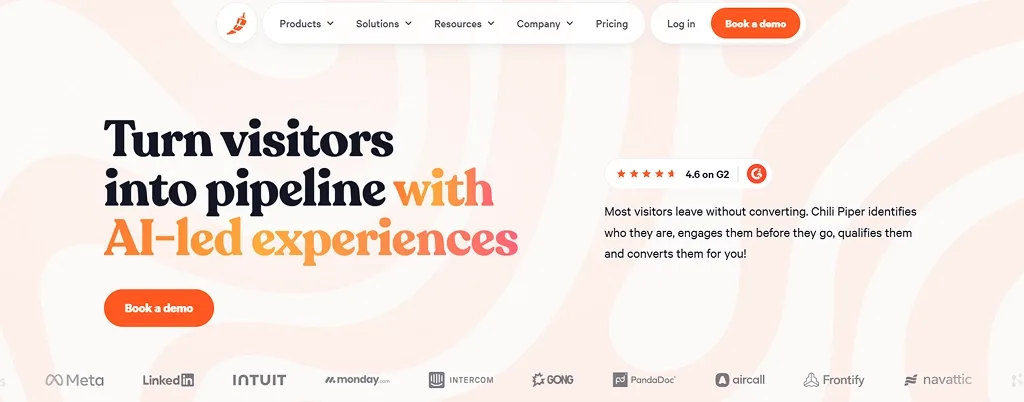
Chili Piper shows a lead the right rep's calendar right after they submit a demo form. It handles routing by territory, account owner, or round robin, and supports SDR-to-AE handoffs. There is no free plan, and pricing has two layers: per user + a monthly platform fee.
Pricing: Products start between $15 and $30 per user each month on annual billing, plus a platform fee.
Best for: Larger B2B companies on Salesforce with steady inbound demo traffic.
5. SavvyCal
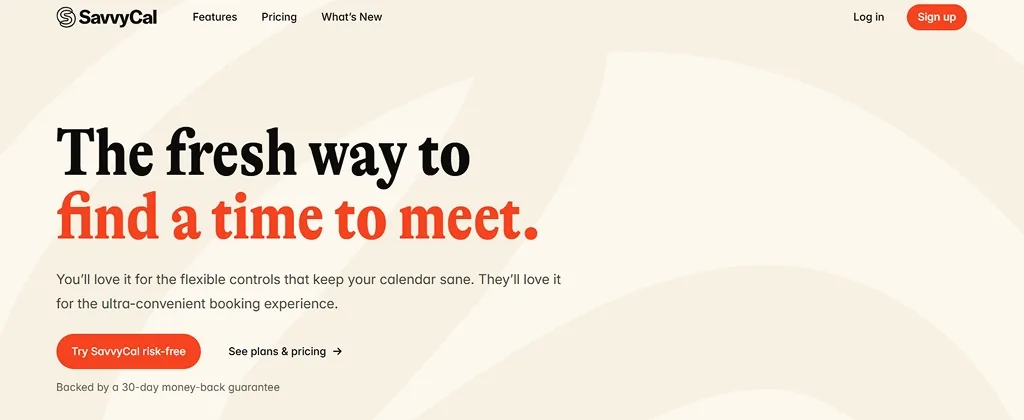
SavvyCal lets invitees overlay their own calendar on your availability, so picking a time is quicker. You can rank preferred slots and send personalized links. It is not built for pipeline management.
Pricing: Paid plans start at about $10 per user each month. Trial only, no permanent free plan.
Best for: Founders and consultants who book high-value calls.
6. Zoho Bookings
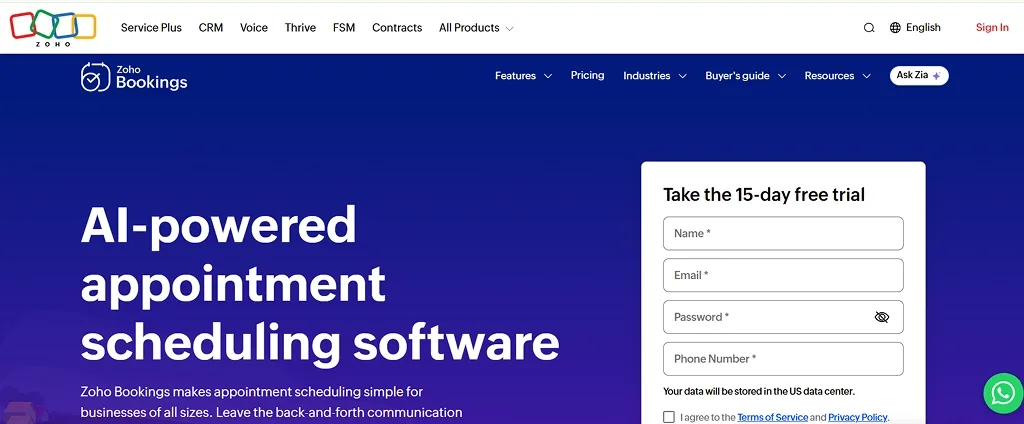
Zoho Bookings is the scheduling app inside the Zoho suite, with booking pages, group bookings, payments, and two-way sync with Zoho CRM. It works best inside the Zoho ecosystem. If you are unsure about Zoho CRM itself, see our list of Zoho CRM alternatives.
Pricing: Free for one staff member. Paid plans from $6 per user each month on annual billing.
Best for: Small businesses that want low-cost appointment scheduling software.
Which Calendly Alternative Fits Your Use Case?
Your Situation | Our Pick | Why |
|---|---|---|
Sales team booking product demos | AiEngage CRM or Chili Piper | Demo booking → routing → pipeline update |
Solo user on a zero budget | Cal.com or Zoho Bookings | Usable free plans |
Clinic, salon or consultancy | AiEngage CRM or Zoho Bookings | Reminders + client records together |
Team already on HubSpot | HubSpot Meetings | No extra tool to manage |
Best demo scheduling software for sales teams
Good demo scheduling software does three things in order: qualify the lead, book the right rep, and remind the prospect on a channel they check. A SaaS team may care most about routing, while a home loan advisor in India may care most about WhatsApp reminders. That is why a Calendly alternative for sales teams should be judged on the whole flow, not just the booking page.
Best free Calendly alternative for solo users and freelancers
If you work alone and need a clean booking link, Cal.com is the best free Calendly alternative on this list, with unlimited event types at no cost. Zoho Bookings is a close second if you already use Zoho.
Best appointment scheduling software for service businesses
Clinics and property consultants need reminders and customer history more than complex routing. Good appointment scheduling software keeps each booking tied to the client's record. Real estate site visits are a good example, and we cover them in our guide on the best CRM for real estate teams.
Best scheduling tool with CRM integration
We believe this is where most growing teams should start. A scheduling tool with CRM integration removes manual data entry and gives every rep context before the call. HubSpot Meetings works if you are on HubSpot; AiEngage CRM works if you want CRM, booking, and WhatsApp follow-up together. Still choosing the CRM itself?
This comparison of CRM software for growing businesses can help.
Features to Check Before You Switch
Feature | Why It Matters | Must Have? |
|---|---|---|
Round robin | Spreads demos fairly across reps | Yes, for teams |
Routing forms | Sends qualified leads to the right person | Yes, for sales |
Multichannel reminders | WhatsApp + SMS + email cut no-shows | Yes |
CRM auto sync | Every booking appears in your pipeline | Yes |
Booking analytics | Shows which sources bring meetings that convert | Nice to have |
Put simply: Booking link − reminders − CRM sync = a calendar full of meetings nobody follows up on.
How to Set Up a Demo Booking Flow That Reduces No Shows
A meeting scheduling tool is only as good as the flow around it. This is the five-step setup we recommend.
1. Add a short qualifying form: Ask about company size, use case, and timeline before showing the calendar.
2. Route the lead to the right rep: Use round robin for general leads and direct routing for large accounts.
If many enquiries arrive on WhatsApp, an AI chatbot that qualifies WhatsApp leads can ask these questions before a human steps in.
3. Confirm on the same channel: A lead who messaged you on WhatsApp should get a WhatsApp confirmation.
4. Remind twice: Send one reminder 24 hours before and one about an hour before, with the meeting link and a reschedule option.
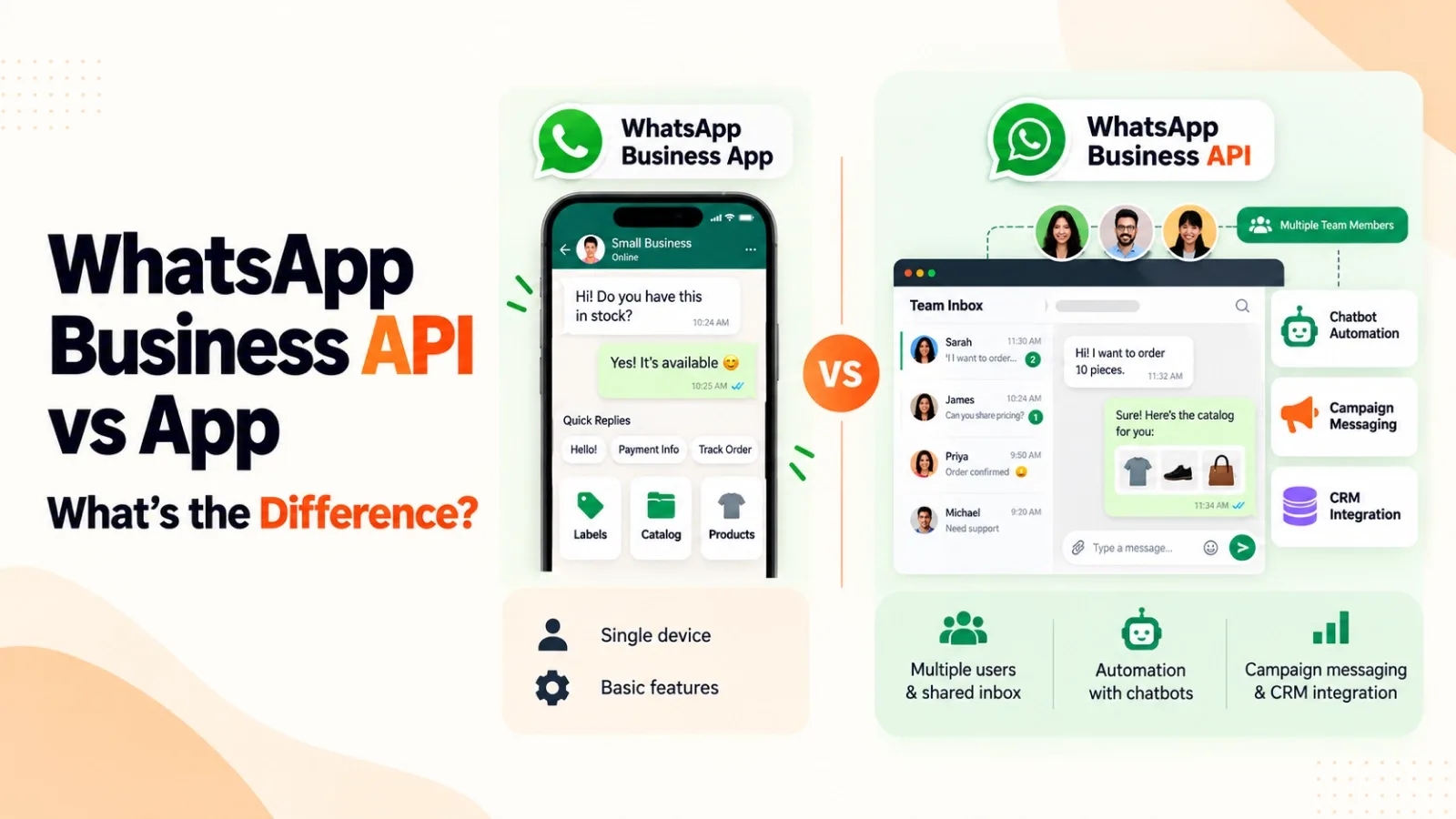
For reminders at scale, it helps to know how the WhatsApp Business API differs from the app.
5. Follow up within the hour. Send next steps, share what you promised, and move the deal forward.
You can build this by joining three or four tools, or run all five steps from one place with AiEngage CRM's workflow automation.
Conclusion
Choosing among Calendly alternatives comes down to one question: what should happen after someone books?
If the answer is a reminder, a good call, a follow-up, and a deal, then booking, reminders, and your pipeline need to work as one system.
That is the gap AiEngage CRM was built to close.
Book Your AiEngage Walkthrough
Frequently Asked Questions
Question: What is the best free Calendly alternative?
Answer: Cal.com has one of the strongest free plans for a single user, with unlimited event types. Zoho Bookings is free for one staff member, and HubSpot Meetings gives one free personal link with HubSpot branding.
Question: Which Calendly alternative is best for sales demos?
Answer: Look for routing, reminders, and CRM sync working together. Chili Piper suits large B2B teams on Salesforce. AiEngage CRM fits teams that want booking, WhatsApp reminders and the pipeline in one tool without extra connectors.
Question: Is there a Calendly alternative with built-in CRM?
Answer: Yes. AiEngage CRM includes scheduling inside a full CRM, so every booking links to the lead, conversation history, and deal. HubSpot Meetings does the same inside HubSpot.
Question: Can I move my existing booking links from Calendly?
Answer: Your link URL will change, but recreating event types usually takes under an hour. Then update the link on your website, email signature, and WhatsApp auto replies.
Question: Which meeting scheduling tool sends WhatsApp reminders?
Answer: AiEngage CRM sends WhatsApp reminders as part of its automation, along with SMS and email. Most other tools here rely on email, with SMS as a paid extra.


I help businesses simplify marketing, sales, and customer support through AI and automation. At AiEngage CRM, we bring lead management, WhatsApp, calling, email campaigns, meetings, and support into one connected platform. Our vision is to help businesses run smarter with AI, empowering teams to streamline everyday work, strengthen customer relationships, and drive sustainable growth.