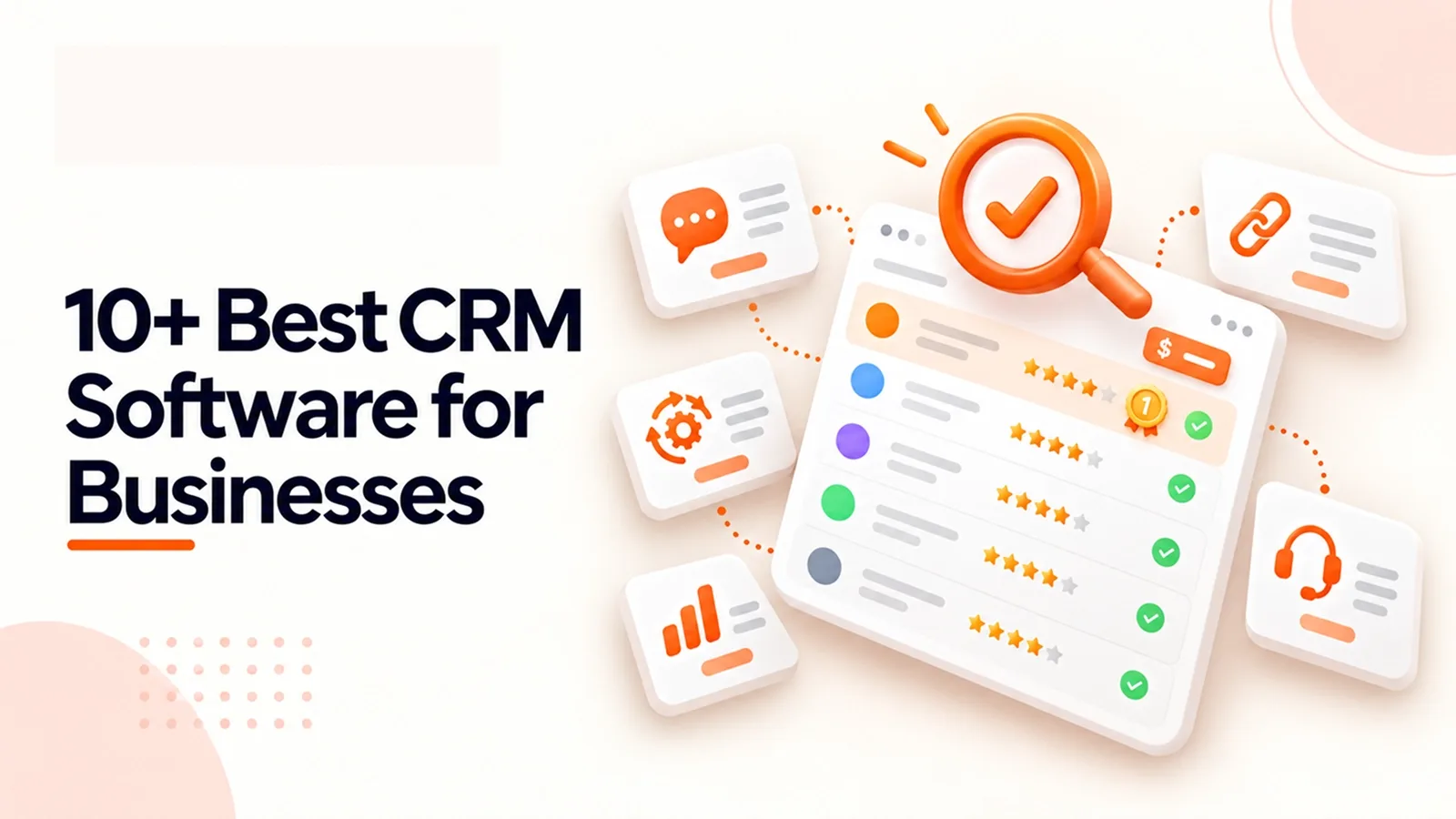
10+ Best CRM Software for Businesses
Compare 10+ best CRM software for businesses, including key features, pricing, and use cases to help you find the right CRM for your team.
- 1Why This List Matters Right Now: The Market Demand Behind It
- 2How We Evaluated These CRMs
- 3CRM Software Comparison Overview: Which One Fits Your Business?
- 4The 10 Best CRM Software (Detailed Reviews)
- 1. AiEngage CRM
- 2. HubSpot
- 3. TeleCRM
- 4. Calendly
- 5. Zoho CRM
- 6. Salesforce
- 7. Keap
- 8. Pipedrive
- 9. Freshsales
- 10. monday CRM
- 5Comparison by Use Case
- 6Key Features to Look For in a CRM
- 7Final Word
- 8Frequently Asked Questions
- Question: What is the best CRM software?
- Question: Which CRM is best for small businesses?
- Question: How do Salesforce vs HubSpot vs Zoho CRM compare on price?
- Question: Which CRM supports WhatsApp natively?
- Question: Are there good free CRM software options?
A friend running a small real estate brokerage once lost a ₹90L deal because a WhatsApp lead sat unread for four days. Nobody was lazy; the lead just landed on a personal phone instead of a shared system, and by the time anyone noticed, the buyer had already signed with someone else.
That's the real cost of the wrong CRM, not a missing feature on a comparison page, but a lead that quietly dies in someone's inbox while the rest of the team assumes it's being handled.
That's really the question this guide answers: not "which CRM has the most features," but "which one will your team actually open tomorrow morning without being told to?"
This guide to the top 10 CRM platforms is built the way I'd explain it to that same friend over chai: real pricing pulled from each vendor's own site, real features, no fluff, and an honest look at the best CRM software for different kinds of teams, budgets, and channels.
Why This List Matters Right Now: The Market Demand Behind It
Stat | Figure | Source |
|---|---|---|
Global CRM market size 2026 | $126.17 billion | Fortune Business Insights |
Projected market size by 2034 | $320.99 billion (12.40% CAGR) | Fortune Business Insights |
Companies (10+ employees) using a CRM | 91% | Industry adoption survey data |
Source: Fortune Business Insights, CRM Market Report
Two years ago, AI lead scoring was a premium enterprise add-on. Today it ships standard on entry-level plans across most tools below, a sign of how fast AI-powered CRM tools became the baseline, not the upsell.
How We Evaluated These CRMs
Every entry was checked against the vendor's own website for accuracy, features, pricing tiers, and free trial terms, using five criteria: AI/automation depth, multichannel support (WhatsApp, email, calls), ease of adoption, pricing transparency, and integrations.
This is our full CRM software comparison features and pricing.
If you run a Shopify app or partner agency, your CRM needs may be different from those of a general sales team. Our guide to the Best CRM for Shopify Apps & Partner Agencies covers the key features to consider for this type of business.
CRM Software Comparison Overview: Which One Fits Your Business?
CRM | Best For | Starting Price | Free Trial/Plan |
|---|---|---|---|
AiEngage CRM | WhatsApp & AI lead automation | Free trial, paid plans on request | 14-day free trial |
HubSpot | All-in-one marketing + sales | Free / $20 per seat/mo | Yes, generous free plan |
TeleCRM | Calling-first sales teams | ₹799/user/mo (annual) | Demo available |
Calendly | Meeting scheduling | Free / paid tiers | Yes |
Zoho CRM | Budget-friendly growing teams | Free (3 users) / $14/user/mo | Yes |
Salesforce | Enterprise-grade CRM | $25/user/mo | 30-day trial |
Keap | Small biz sales + marketing bundle | $249–299/mo | 14-day trial |
Pipedrive | Visual, pipeline-first CRM | $14–15/user/mo | 14-day trial |
Freshsales | Built-in AI (Freddy AI) | ~$9–15/user/mo entry | Yes |
monday CRM | Flexible, work-OS style CRM | ~$12/user/mo | Yes |
Notice something across this table: half these tools now offer either a free tier or a no-card free trial, proof that with a $126 billion market, vendors have to earn trust before asking for a card number.
The 10 Best CRM Software (Detailed Reviews)
1. AiEngage CRM
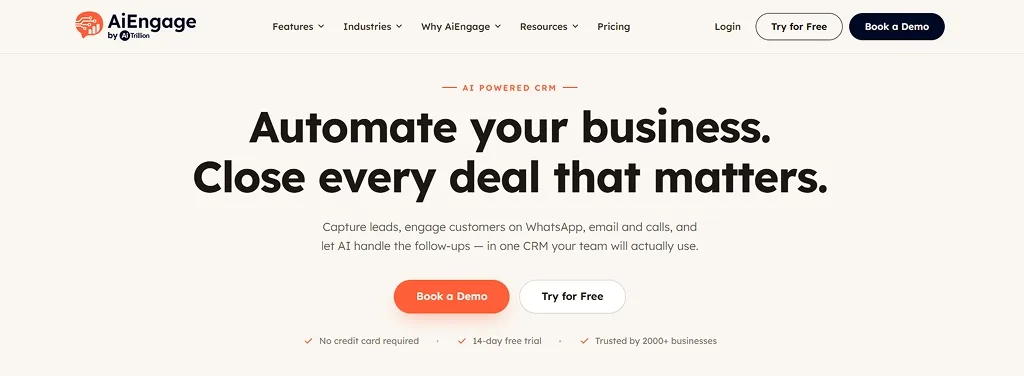
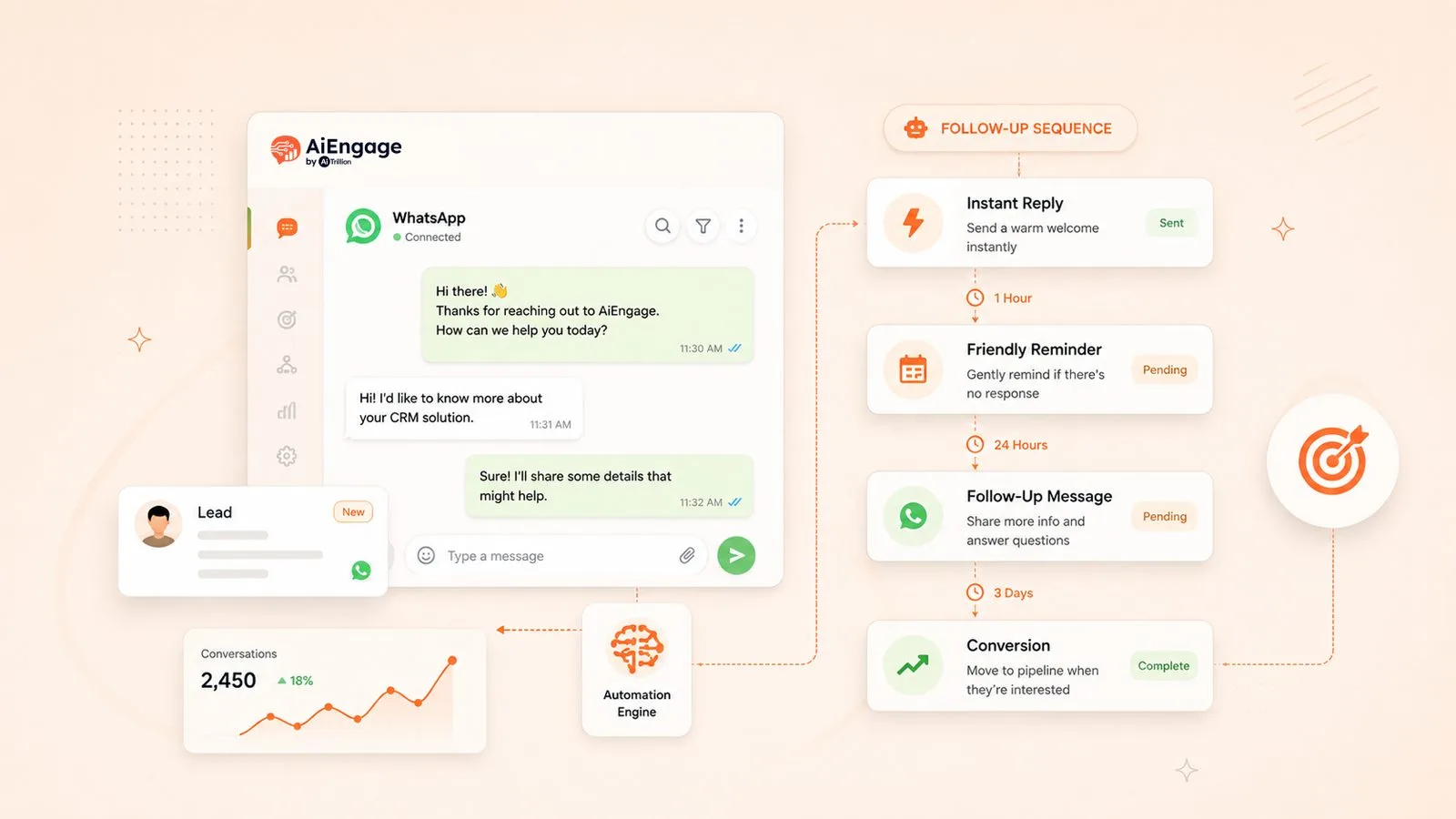
This is the one that would have solved my friend's problem directly. AiEngage CRM pulls in every inquiry, website forms, WhatsApp, Meta and Google Ads, calls, even walk-ins, into a single pipeline with an owner and a next step attached automatically.
What sets it apart is the WhatsApp AI Agent, which actually talks to the lead, asks qualifying questions like budget and timeline, and only hands the conversation to a human once it's genuinely warm.
For teams drowning in inbound leads across scattered channels, this is exactly the kind of AI-powered CRM tool the category built to fix.
Key Features: Captures leads from website forms, WhatsApp, Meta/Google Ads, and calls in one pipeline; AI agent qualifies leads on WhatsApp automatically (budget, timeline); AI lead scoring, call recording with transcripts, round-robin assignment, workflow automation
Pricing: Free 14-day trial, no credit card required; paid plans on request
Best Use Case: Real estate, healthcare, education, and any business where leads reply on WhatsApp before email
2. HubSpot
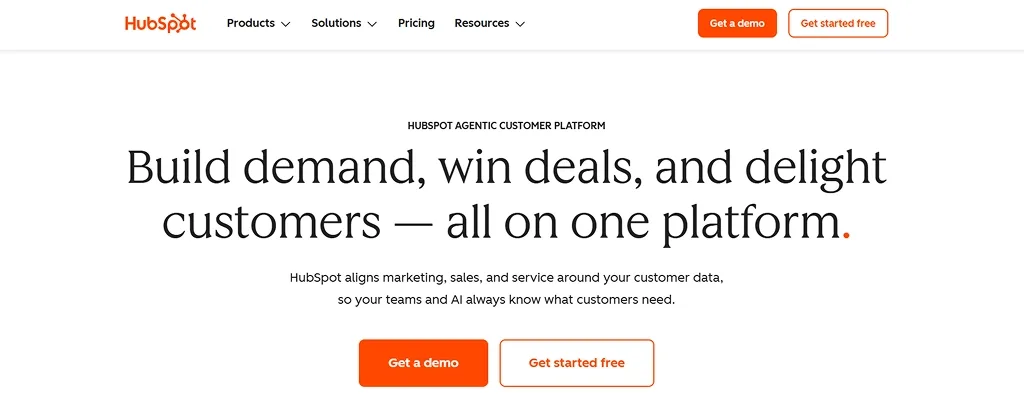
HubSpot has become the default answer whenever someone asks "what CRM should I use," and there's a reason for that. Its free tier is genuinely functional, not a stripped-down trial. Where it gets expensive is scaling past the basics, once Professional and Enterprise pricing kicks in.
Key Features: Free usable CRM tier, marketing/sales/service tools under one login, email sequences, reporting, automation at higher tiers
Pricing: Free / Starter ~$20 per seat/mo (promo rates near $7–9) / Professional ~$90–100 per seat/mo plus onboarding fees
Best Use Case: Teams wanting marketing, sales, and service bundled together
3. TeleCRM
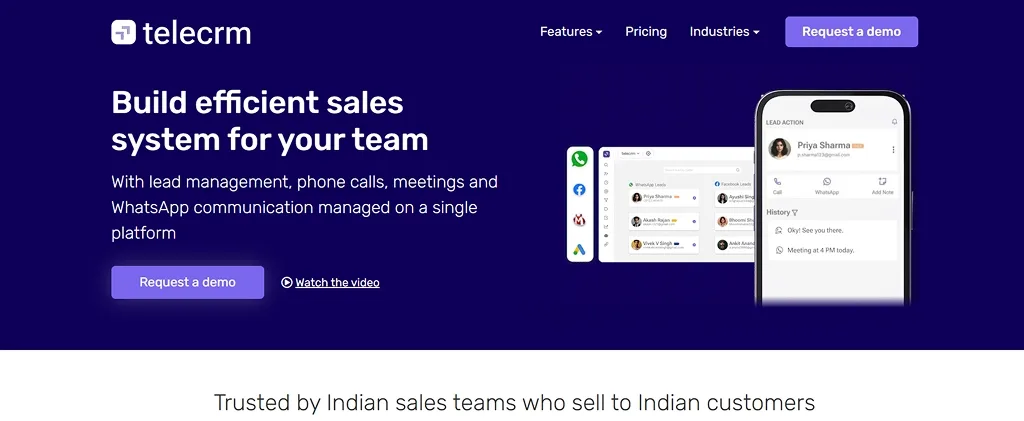
If your sales process genuinely runs on phone calls rather than email threads, TeleCRM is built for exactly that. It's an Indian CRM designed around telecalling, auto-dialer, call recording, and automatic lead capture, rather than treating calling as an afterthought.
Key Features: Auto-dialer, WhatsApp chat sync, call recording, lead auto-capture from Facebook/Google Ads
Pricing: ~₹799/user/mo billed annually, plus one-time setup fee
Best Use Case: India-focused telecalling-heavy sales teams
4. Calendly
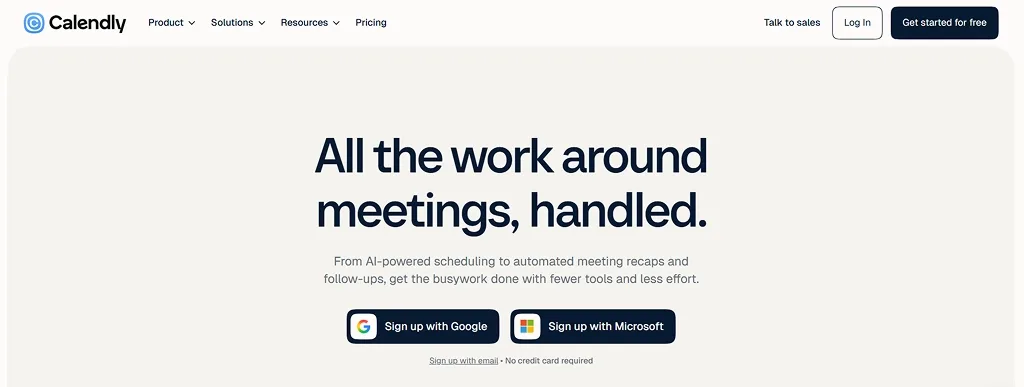
Worth including with an honest caveat: Calendly is scheduling software, not a CRM. What it does, it does very well, turning "let me check my calendar" into a single booking link. Most teams here use it alongside a real CRM, not instead of one.
Key Features: Automated booking links, calendar sync, reminders; not a full CRM, no pipeline or contact management
Pricing: Free plan / paid tiers
Best Use Case: Eliminating back-and-forth scheduling emails alongside a separate CRM
5. Zoho CRM
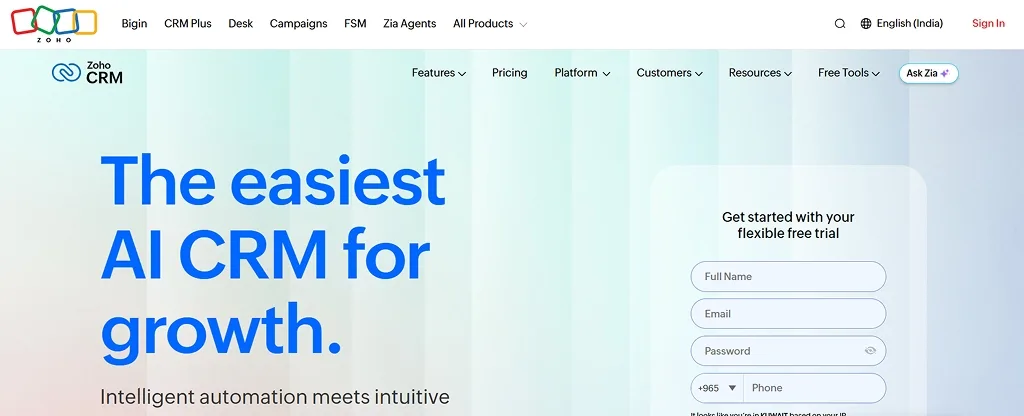
Zoho's pitch is simple: give teams most of what Salesforce offers at a fraction of the price, and it largely delivers. The free plan for up to 3 users is genuinely usable for a scrappy early-stage team, with paid tiers scaling gradually from there.
Key Features: Zia AI predictive analytics (higher tiers), workflow automation, deep customization, 500+ integrations
Pricing: Free (3 users) / $14/user/mo (Standard) up to $52/user/mo (Ultimate)
Best Use Case: A strong pick for best CRM for small business searches
If Zoho CRM doesn't match your team's workflow, budget, or integration needs, you can compare other options in our guide to Top Zoho CRM Alternatives to Consider.
6. Salesforce
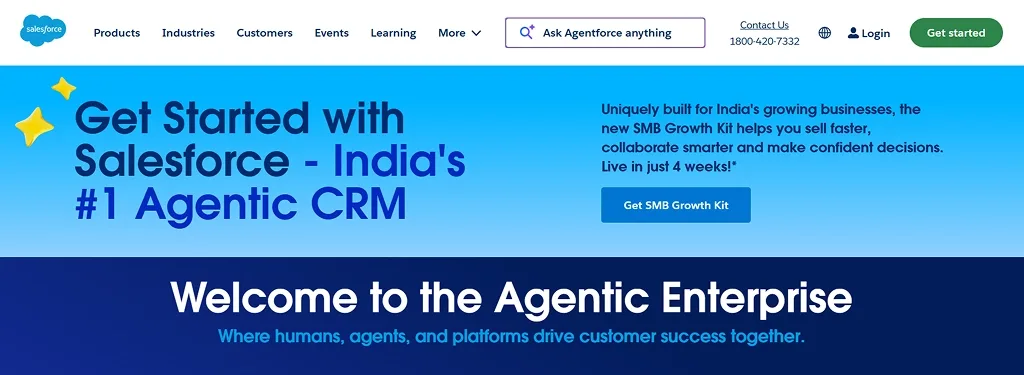
Salesforce is the name every other CRM on this list gets compared against, and that reputation is earned; its customization depth and integration marketplace are unmatched at scale. That power comes with real overhead, though: a dedicated admin and pricing that climbs fast past the entry tier.
Key Features: Deep customization, largest integration marketplace (AppExchange), advanced AI (Agentforce), territory & forecasting tools
Pricing: Starts $25/user/mo; Enterprise editions often exceed $175/user/mo with add-ons
Best Use Case: Large, complex sales organizations with dedicated admins
7. Keap
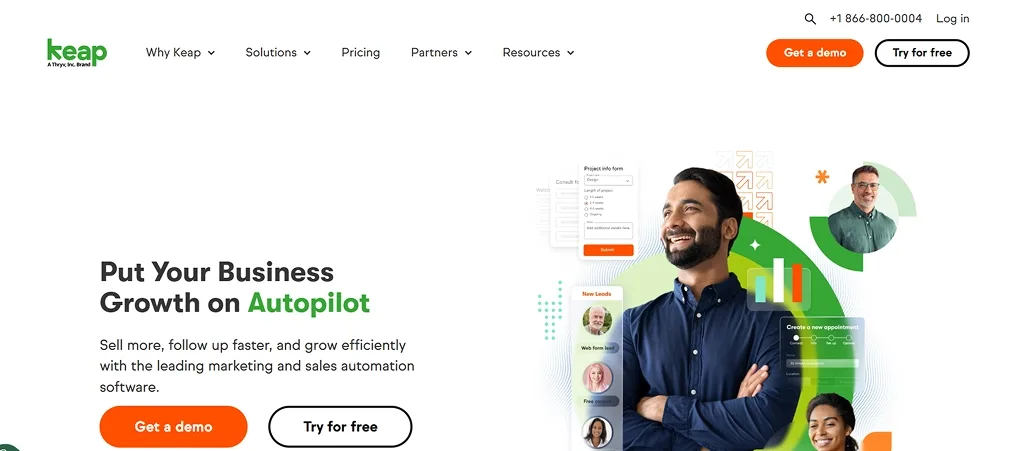
Keap (formerly Infusionsoft) takes a different approach; instead of just a CRM, it bundles pipeline management with email/SMS marketing, invoicing, and payments under one login. That consolidation is useful if you're currently paying for three or four disconnected tools.
Key Features: CRM + email/SMS marketing automation + invoicing + payments in one login
Pricing: $249–299/mo for 2 users, plus one-time implementation fee
Best Use Case: Small service businesses replacing 3–4 separate tools
8. Pipedrive
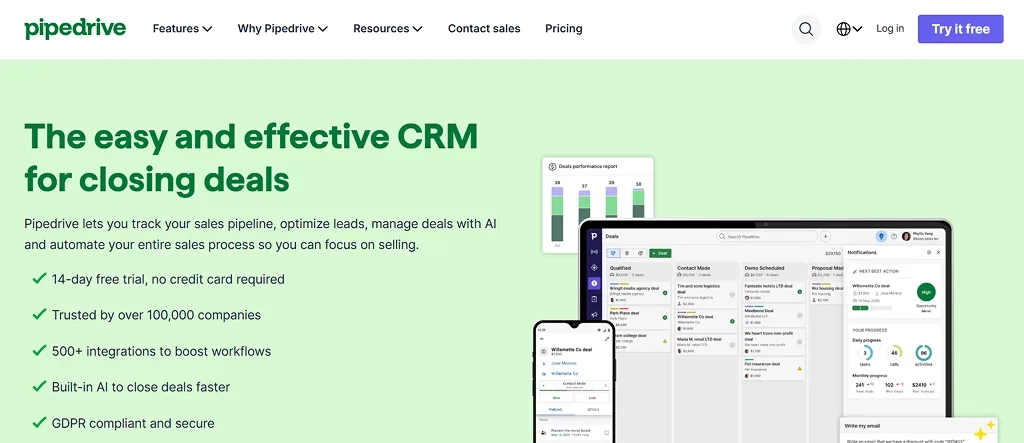
Pipedrive was built by salespeople frustrated with clunky CRMs, and it shows; the drag-and-drop pipeline view is why reps actually enjoy using it. It stays focused on sales rather than marketing, which keeps it simple but means you'll often pair it with another tool for campaigns.
Key Features: Drag-and-drop Kanban pipeline, deal-rotting alerts, activity-based selling, AI features at Professional tier
Pricing: $14–15/user/mo (Essential) up to $59+/user/mo (Professional)
Best Use Case: Teams specifically hunting for the best CRM for sales automation and pipelines
9. Freshsales
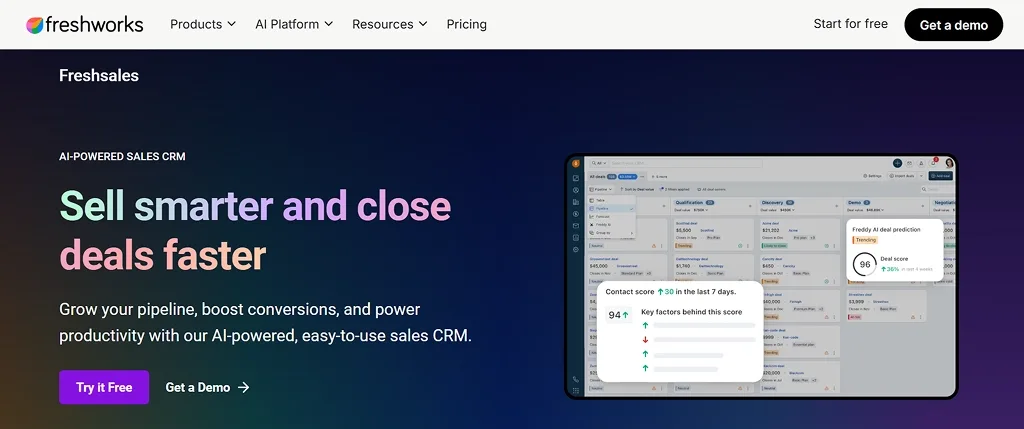
Part of the wider Freshworks family, Freshsales leans into AI earlier and more visibly than most competitors at its price point; Freddy AI handles lead scoring right out of the box. For teams already using Freshdesk, the bundling makes this an easy add.
Key Features: Built-in phone, email tracking, Freddy AI lead scoring and deal insights, sales sequences
Pricing: For starter ~$19/mo, growth $49/mo
Best Use Case: Mid-market teams wanting AI bundled in without a big price jump
10. monday CRM
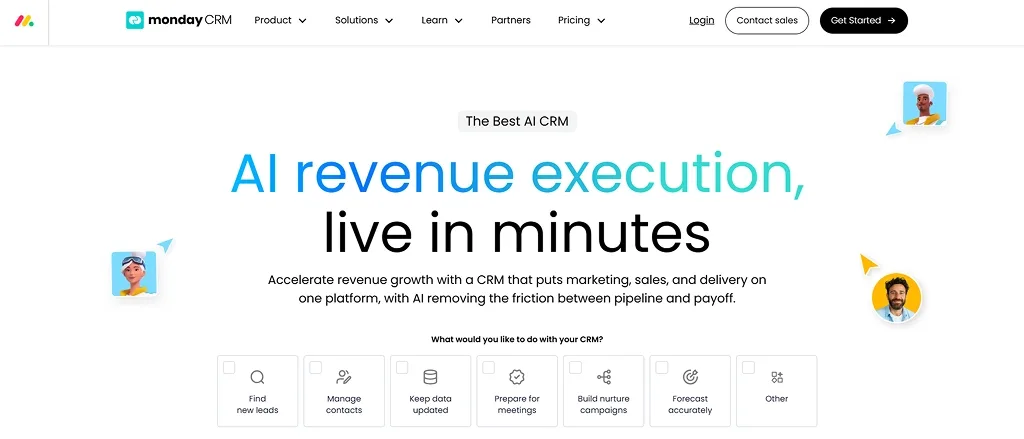
monday CRM takes the visual board system that made monday.com popular for project management and applies it to sales. If your team already thinks in boards and columns, the transition feels natural. It's less sales-native than dedicated CRMs here, but the customization flexibility is a real draw.
Key Features: Visual, board-based interface, highly customizable workflows
Pricing: ~€12/user/mo
Best Use Case: Teams already using monday.com for project management
Comparison by Use Case
Use Case | Recommended CRM |
|---|---|
WhatsApp & multichannel engagement | AiEngage CRM |
Enterprise-scale operations | Salesforce |
Calling-heavy sales teams | TeleCRM |
Meeting scheduling automation | Calendly |
Small business, tight budget | Zoho CRM, Keap |
Visual pipeline management | Pipedrive |
AI-led lead qualification | AiEngage CRM, Freshsales |
Flexible, project-style workflows | monday CRM |
Key Features to Look For in a CRM
Strip away the marketing language on any pricing page, and every CRM is really just trying to answer the same handful of questions for you.
The trick isn't reading the feature list; it's knowing what to actually test before you commit.
What to Check | The Real Question It Answers | Quick Way to Test It |
|---|---|---|
Lead scoring | Does the CRM tell me who to call first, or just hand me a list? | Add 5 random leads, see if it ranks them without manual tagging |
WhatsApp & multichannel | Do customers reply where they already message me, or do I have to chase them to email? | Send yourself a WhatsApp message and time how fast it lands in the CRM |
Pipeline automation | Do follow-ups happen on their own, or does someone need to remember? | Move a deal to "Contacted" and check if a reminder fires automatically |
Pricing transparency | Is the free/entry tier actually usable, or a bait-and-switch trial? | Try the free plan for a real week, several free CRM software options (HubSpot, Zoho, Freshsales) hold up well |
Integrations | Will this connect to my ad accounts and payment tools, or sit isolated? | Check if it has a native integration for the two tools you use daily |
Run even two or three of these tests before signing up, and you'll know within a day whether a CRM fits how your team actually works, not just how it looks in a sales call.
Final Word
If my friend had picked up any CRM on this list, that ₹90L deal probably survives. That's what this comparison of the top 10 CRM platforms comes down to: not the flashiest feature list, but the tool your team actually opens every morning.
If your leads are coming in from WhatsApp, Meta Ads, or Google Ads and slipping through the cracks between channels, AiEngage CRM is built exactly for that problem. AI qualifies leads on WhatsApp before your team even joins the conversation.
Book a free demo with AiEngage CRM and see it on your own leads.
Frequently Asked Questions
Question: What is the best CRM software?
Answer: It depends on your channel mix and team size. For WhatsApp-first, lead-heavy businesses, AiEngage CRM stands out; for enterprise scale, Salesforce; for budget-conscious small teams, Zoho.
Question: Which CRM is best for small businesses?
Answer: Zoho CRM and Keap are strong picks, though AiEngage CRM's 14-day free trial is also worth testing for lead-heavy small teams.
Question: How do Salesforce vs HubSpot vs Zoho CRM compare on price?
Answer: Zoho is the most budget-friendly (free–$52/user/month), HubSpot has a strong free tier in the middle, and Salesforce is the most expensive at scale, often exceeding $175/user/month at the Enterprise level.
Question: Which CRM supports WhatsApp natively?
Answer: AiEngage CRM and TeleCRM both build WhatsApp deeply into their core workflow, including AI-driven replies on AiEngage CRM.
Question: Are there good free CRM software options?
Answer: Yes, HubSpot's free CRM, Zoho's free plan for up to 3 users, and Freshsales' entry tier are all genuinely functional, not just crippled trials. AiEngage CRM offers a 14-day free trial to test the AI workflow before committing.

I help businesses simplify marketing, sales, and customer support through AI and automation. At AiEngage CRM, we bring lead management, WhatsApp, calling, email campaigns, meetings, and support into one connected platform. Our vision is to help businesses run smarter with AI, empowering teams to streamline everyday work, strengthen customer relationships, and drive sustainable growth.