HubSpot vs Zoho vs AiEngage CRM: Which Should You Choose?
HubSpot vs Zoho vs AiEngage CRM compared on WhatsApp, AI, pricing, and setup. Find the best CRM for small businesses in India and your sales team.
- 1CRM Market Insights: Why This Choice Matters More Now
- 2How We Compared These Three CRMs
- 3HubSpot vs Zoho vs AiEngage CRM at a Glance
- AiEngage CRM Overview
- HubSpot CRM Overview
- Zoho CRM Overview
- 4Feature by Feature Comparison
- 1. Lead Capture and Lead Management
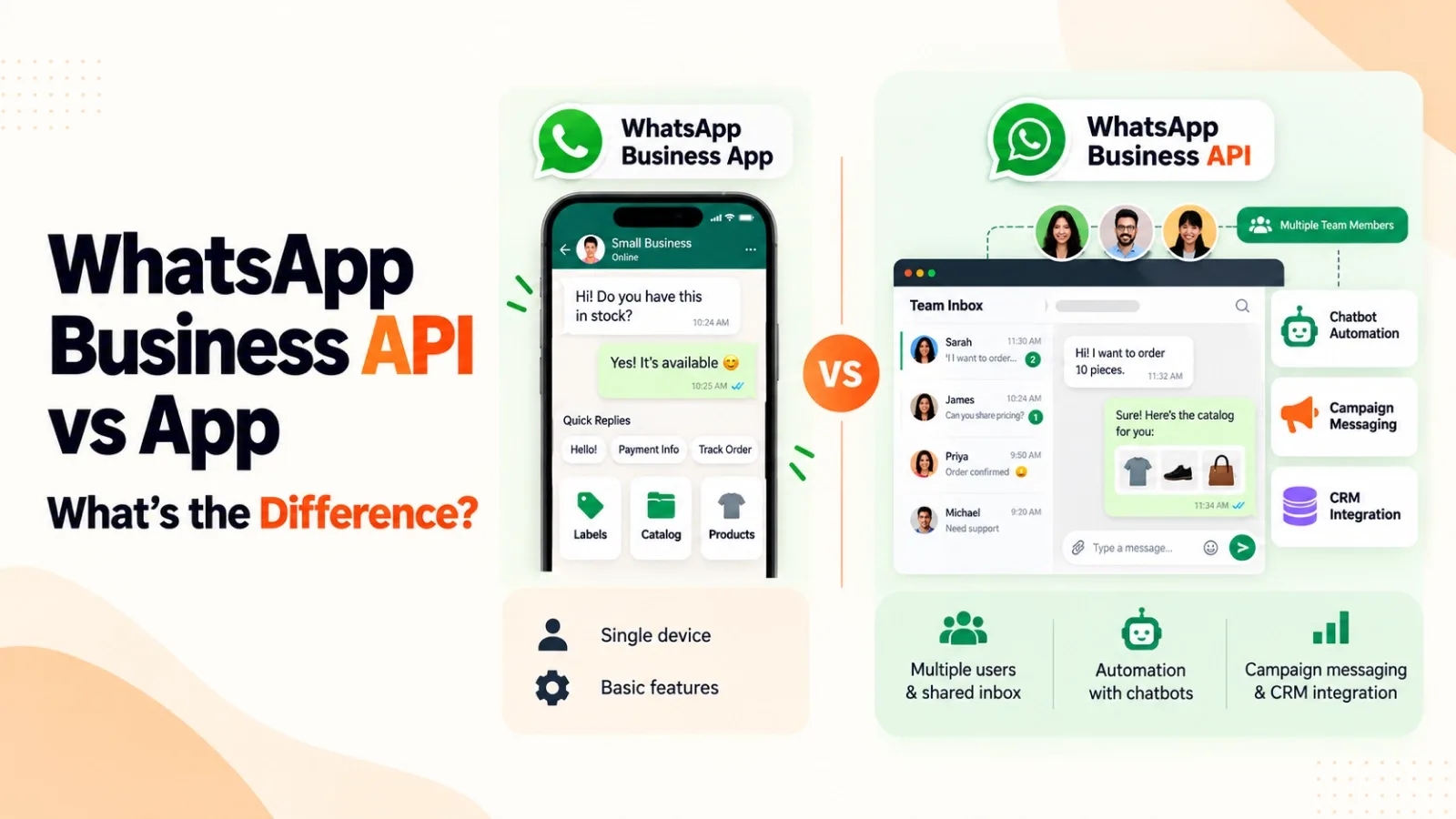
- 2. WhatsApp and Multichannel Communication
- 3. AI and Automation
- 4. Ease of Setup
- 5The Real Cost of Running a CRM
- 6Which CRM Should You Choose?
- 7How to Switch CRMs Without Losing Data
- 8Conclusion
- 9FAQs
- Question: Is HubSpot better than Zoho for small businesses?
- Question: Which is the best CRM with WhatsApp integration?
- Question: Is AiEngage CRM a good HubSpot alternative or Zoho CRM alternative?
- Question: Can I move my data from HubSpot or Zoho to AiEngage CRM?
- Question: Which is the best CRM for small business in India?
Three browser tabs. Three pricing pages. One sales manager trying to work out why a "free" CRM suddenly needs a credit card once the team crosses five people. That is usually where the HubSpot vs Zoho vs AiEngage CRM question lands on our desk. We built one of these three, so instead of a sales pitch, here is how each tool actually behaves once your reps start using it every day.
Quick Answer
Choose AiEngage CRM if your leads talk to you on WhatsApp and calls, and you want AI that replies, qualifies and books meetings for you.
Choose HubSpot if email and inbound marketing drive your sales and budget is not a worry.
Choose Zoho CRM if you already use Zoho Books or Zoho Desk and like customising every field yourself.
CRM Market Insights: Why This Choice Matters More Now
Trend | What it means for you |
|---|---|
India's CRM services market: USD 1.41B (2026) → USD 2.44B by 2031 (Mordor Intelligence) | Your competitors are getting organised |
57% of MSMEs see AI as a growth driver, only about 1 in 4 use it | Early AI users still have an edge |
India is WhatsApp's biggest market (500M+ users) | Your CRM needs to live where buyers chat |
That last row decides the best CRM for small business in India more than any feature list.
How We Compared These Three CRMs
We looked at each tool the way a sales head would during a buying week:
Real monthly cost for the whole team, not the smallest number on the pricing page
WhatsApp and calling, because that is where Indian deals actually move
AI that does work, which is the real test for any AI CRM software
Setup time before reps can start using it
This comparison is for founders and sales managers with teams of roughly 3 to 50 people who want one CRM for sales teams instead of five disconnected tools.
HubSpot vs Zoho vs AiEngage CRM at a Glance
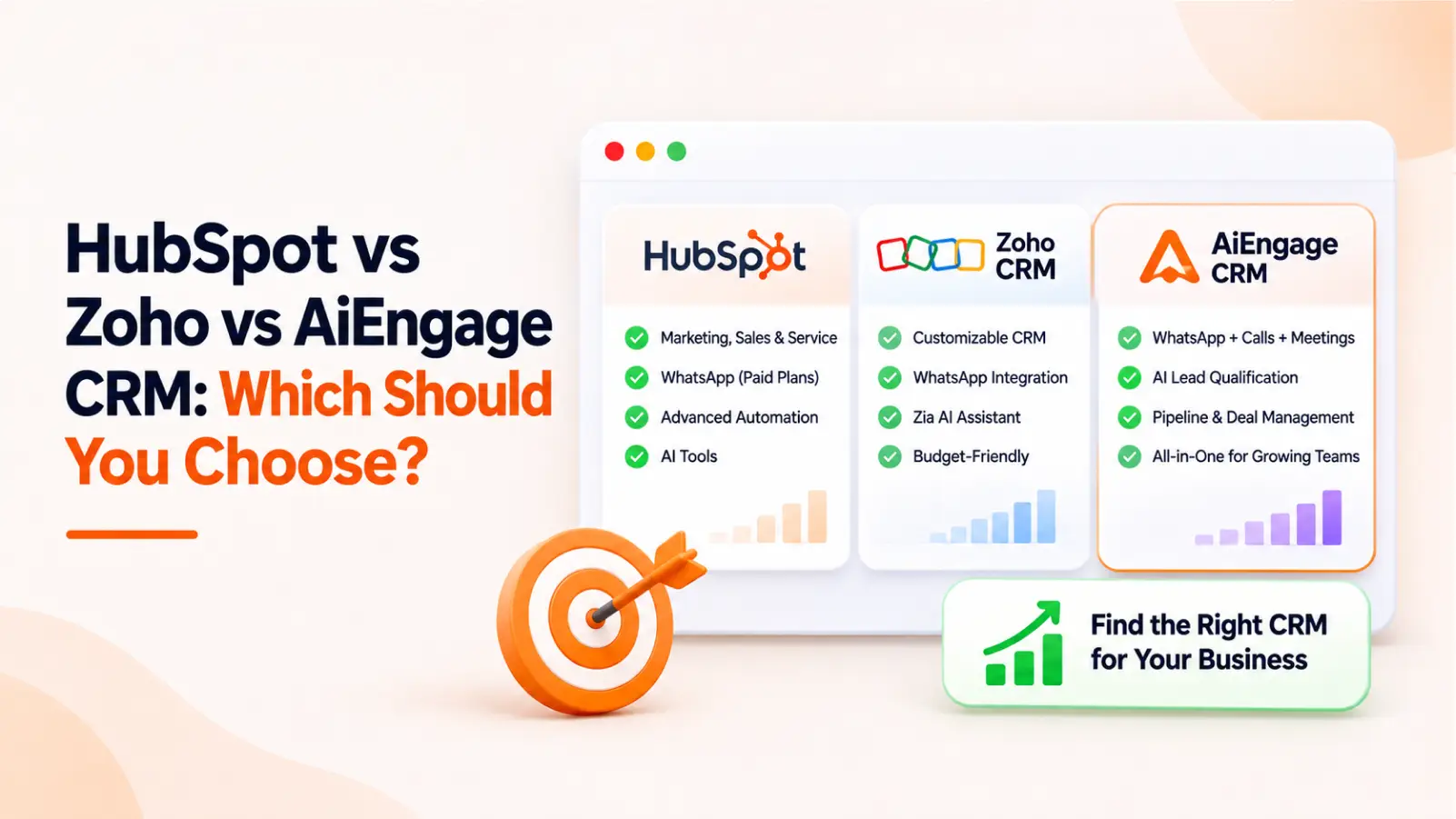
AiEngage CRM | HubSpot | Zoho CRM | |
|---|---|---|---|
Free option | Free trial, no credit card | Free CRM tools | Free up to 3 users |
Paid plans start at | Custom pricing based on your needs | $20/seat/month (Sales Hub Starter) | ₹800/user/month (annual) |
Billing currency | INR | USD | INR |
Built in shared inbox and AI agent | Through integrations | Through integrations | |
AI | AI agents for WhatsApp, calling, lead qualification and meetings | Breeze AI, deeper on higher tiers | Zia, fuller features from Enterprise |
Built-in calling | Yes | Yes | Through telephony integrations |
Best fit | WhatsApp-led sales teams | Marketing heavy teams with budget | Businesses already on Zoho apps |
HubSpot and Zoho prices are list prices at the time of writing and exclude GST. Always check each vendor's pricing page before you buy.
AiEngage CRM Overview
Key Features
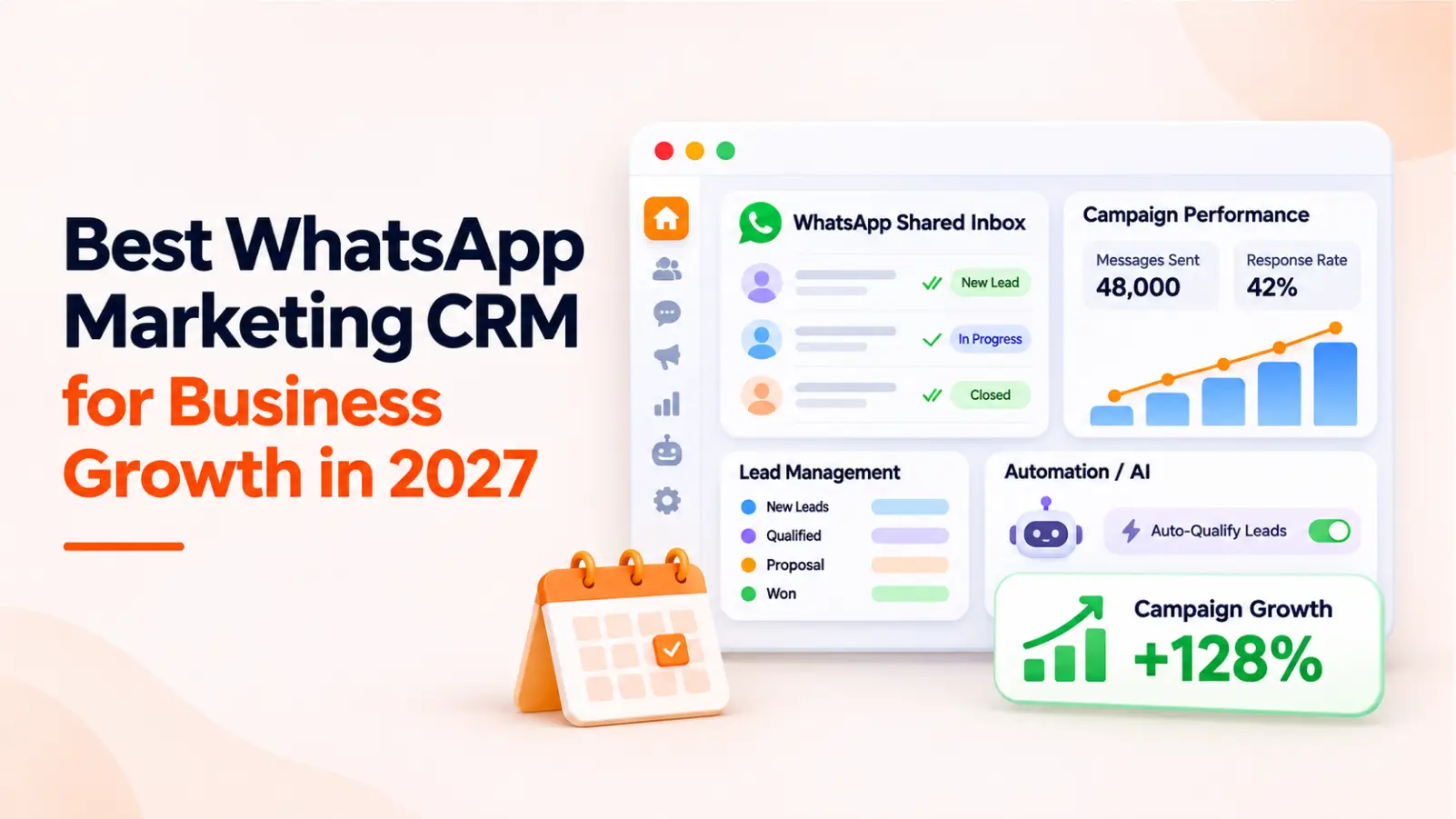
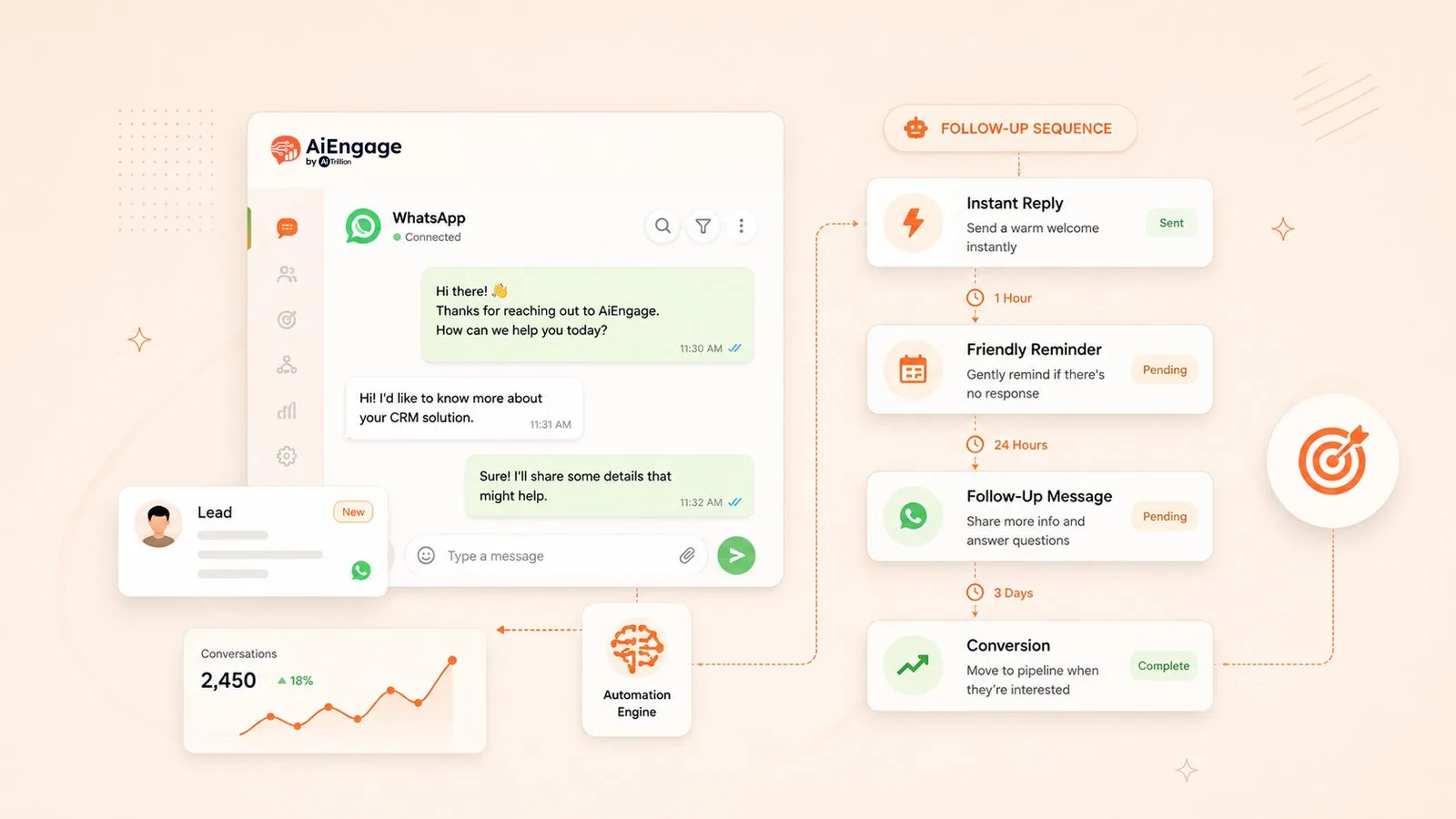
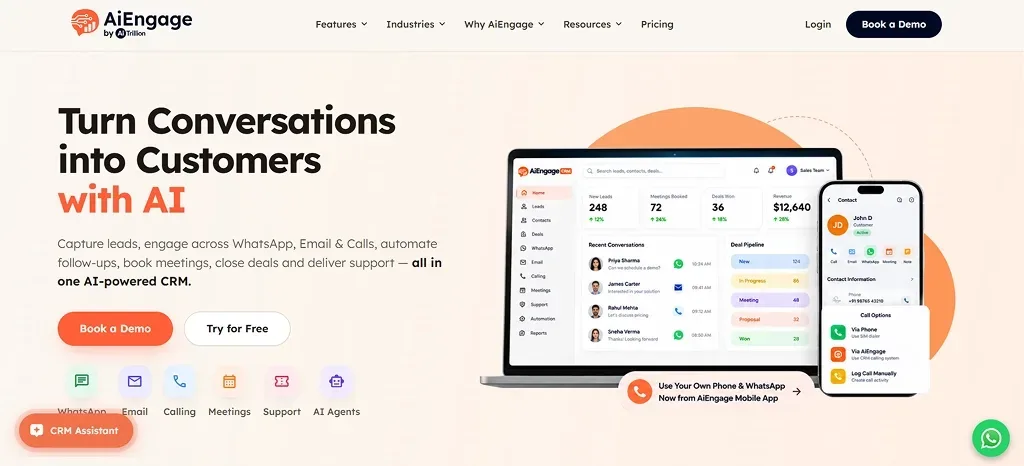
Most Indian sales conversations move from an ad to a WhatsApp chat, then to a call and a meeting. Our team designed AiEngage CRM around that same journey, so your reps do not have to jump between tools. Our WhatsApp CRM features include a shared team inbox, an AI agent that answers and qualifies new chats, WhatsApp forms, and bulk campaigns. Calls are recorded inside the CRM, and AI notes capture what was discussed in each meeting. Everything stays connected, so your team can follow each lead without switching screens.
Pricing and Free Trial
We do not push every business into the same fixed bundle, because a three person team and a fifty person team need very different things. AiEngage CRM follows custom pricing, so your plan depends on your team size and the channels you use. Tell us what your sales process needs, and our team will build a plan around it. If you would like to test it first, you can start a free trial without a credit card. That gives you a chance to try it on real leads before you commit.
Where AiEngage CRM Works Well
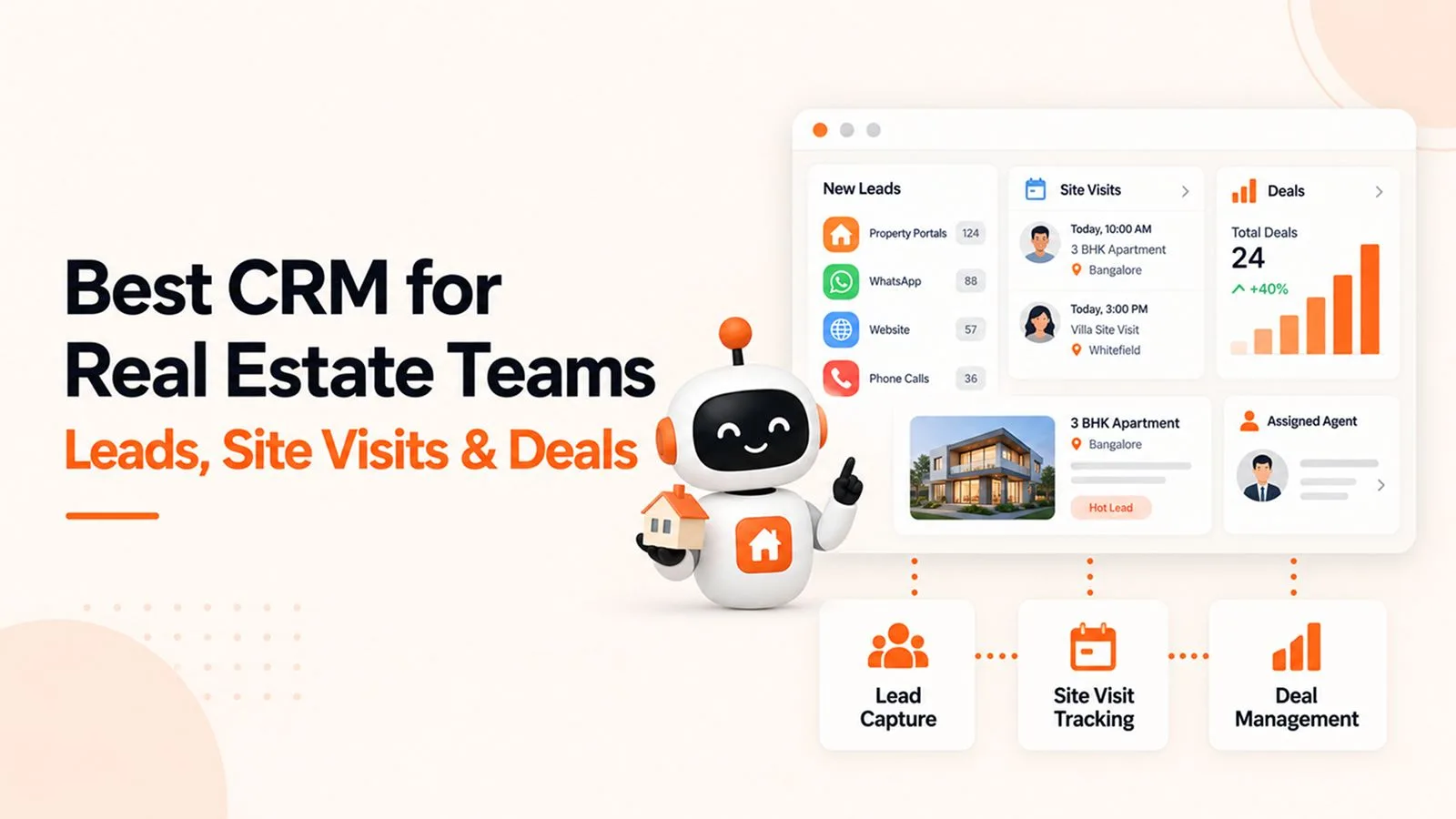
Teams that close most of their deals through WhatsApp and calls get the most value from this CRM. As lead management software, it brings in Meta and Google form leads in real time and sends each one to the right rep. The AI marks every chat as hot, warm, or cold, so your team knows who to call first. Chats, calls, and meetings all sit on one timeline for each lead. If a rep is on leave, someone else can read that history and continue the conversation without asking the buyer to repeat anything.
HubSpot CRM Overview
Key Features
Sales teams usually like the clean look of this CRM from the first day. Pipelines are easy to read, email tracking shows when a buyer opens your message, and reports are simple to follow. Its biggest strength is the marketing side, which is among the best in this space. Contacts, deals, and email activity stay connected, so sales and marketing teams work from the same records. For a business that wins most customers through email and inbound content, these tools fit naturally into the daily routine.
Pricing and What Gets Expensive as You Grow
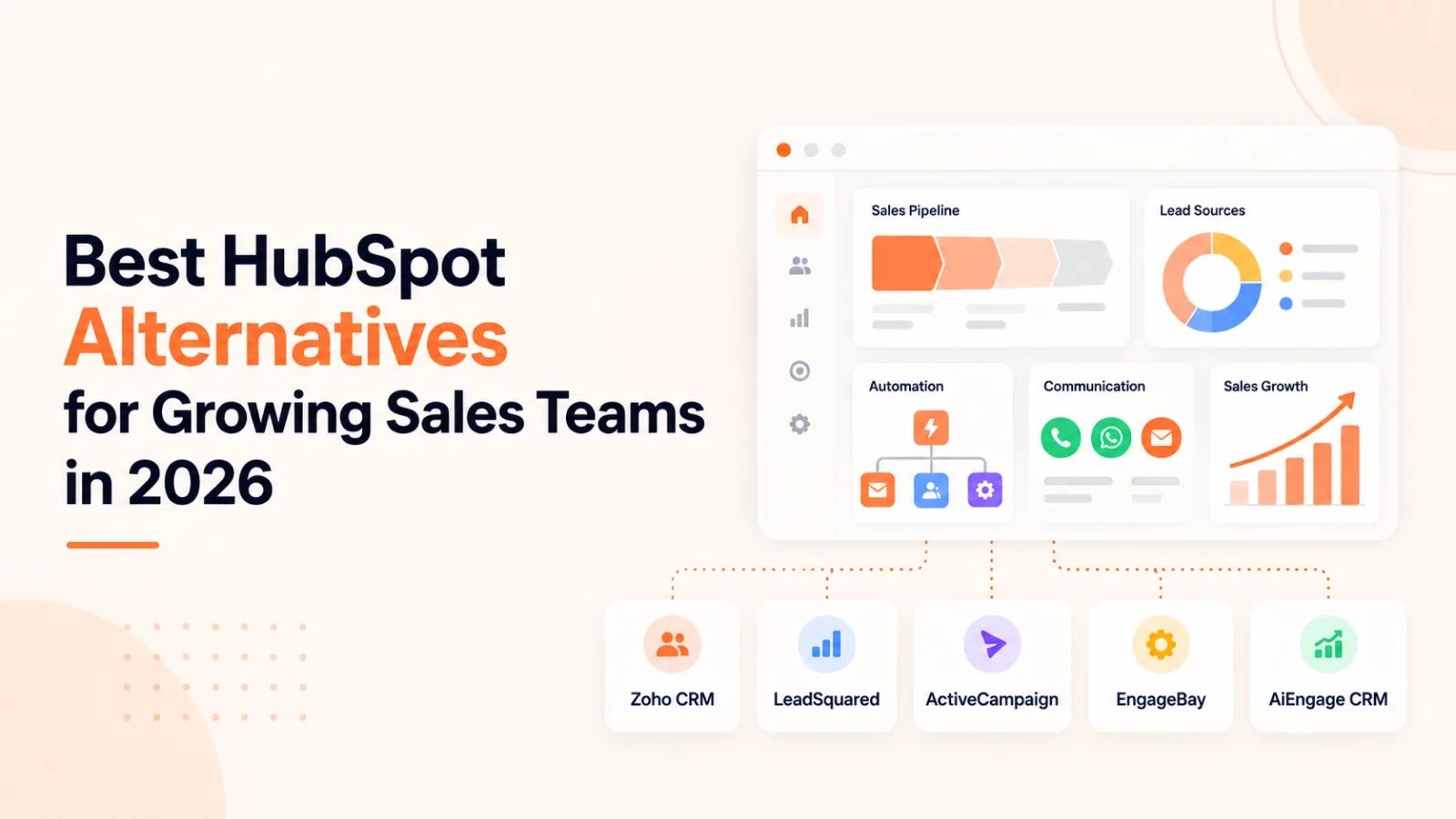
The free tools are generous; the jump comes later. Sales Hub Starter is $20 per seat per month, but sequences and serious automation sit in Professional at $100 per seat ($90 on annual billing), plus a one time onboarding fee. Billing is in USD, so your rupee cost moves with the exchange rate. Teams that sell mainly on WhatsApp often compare it with a HubSpot alternative built for Indian sales teams at this stage.
Where HubSpot Works Well
A strong inbound marketing setup is the best reason to pay for this platform. It suits businesses that publish content, run email campaigns, and have buyers who are happy to reply by email. Companies with a healthy software budget will find it easier to justify the cost as more seats are added. The large app marketplace also helps if your team already depends on many marketing tools. For these teams, the higher price can make sense because marketing and sales stay in one connected system.
Zoho CRM Overview
Key Features
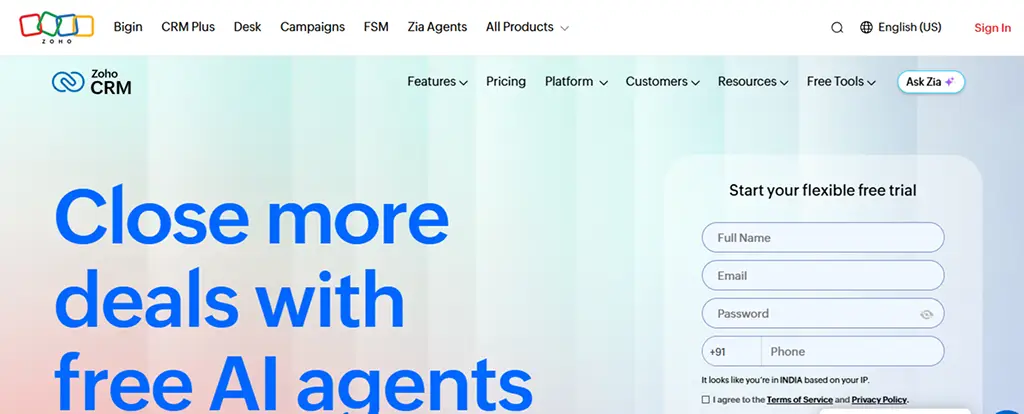
Few CRMs give you as much control over how your sales process is built. With Blueprint, you can set the exact steps a rep must follow before a deal moves forward. Zia, the AI assistant, offers insights on leads and deals, though its fuller features sit in the higher plans. The CRM also links closely with Zoho Books, Zoho Desk, and the rest of the Zoho suite. Businesses that like to customise fields, rules, and layouts will find plenty to work with here.
Pricing and Plan Limits
Indian businesses get a clear advantage here because billing is in rupees. On annual billing, Standard costs ₹800 per user per month, Professional ₹1,400, Enterprise ₹2,400, and Ultimate ₹2,600, before GST. Monthly billing costs more, at ₹1,300 for Standard and ₹2,100 for Professional. Keep your feature needs in mind while comparing these plans, as the fuller Zia AI features start from Enterprise. Your real cost may also include a WhatsApp extension, depending on how your team sells.
Where Zoho Works Well
Companies already running accounting, HR, or helpdesk on Zoho have the strongest reason to choose it. Customer and billing details can stay within one family of apps, which saves your team from moving data between systems. It also suits businesses with an admin who enjoys setting up detailed rules and fields. Teams that want a quicker setup with WhatsApp at the centre often look at a Zoho CRM alternative instead. Our guide on switching from Zoho explains how that works.
Feature by Feature Comparison
1. Lead Capture and Lead Management
Picture this: a lead fills your Facebook form at 9 PM. Who replies, and how fast? Good lead management software should answer that for you.
AiEngage CRM: Leads from Meta and Google forms land instantly, get assigned to a rep, and the AI can start the WhatsApp conversation right away. Managers also see first response time for every lead, while the AI that qualifies leads on WhatsApp handles the first questions.
HubSpot: Strong form capture and lead routing, but the reply usually waits for a rep or an email sequence on higher plans.
Zoho CRM: Solid assignment rules and web forms. Getting the automation right takes some setup time.
2. WhatsApp and Multichannel Communication
Your buyer sends "Price?" on WhatsApp. Where does that message go?
AiEngage CRM: Straight into a shared inbox inside the CRM, where any rep can pick it up or the AI agent can answer. If you need a CRM with WhatsApp integration that works out of the box, this is the difference.
HubSpot: WhatsApp can be connected, but expect extra setup and the right plan.
Zoho CRM: Works through an extension, so it lives slightly outside the main flow.
Our guide on running sales follow-ups over WhatsApp goes deeper.
3. AI and Automation
Most AI CRM software helps you think. Fewer actually do the work.
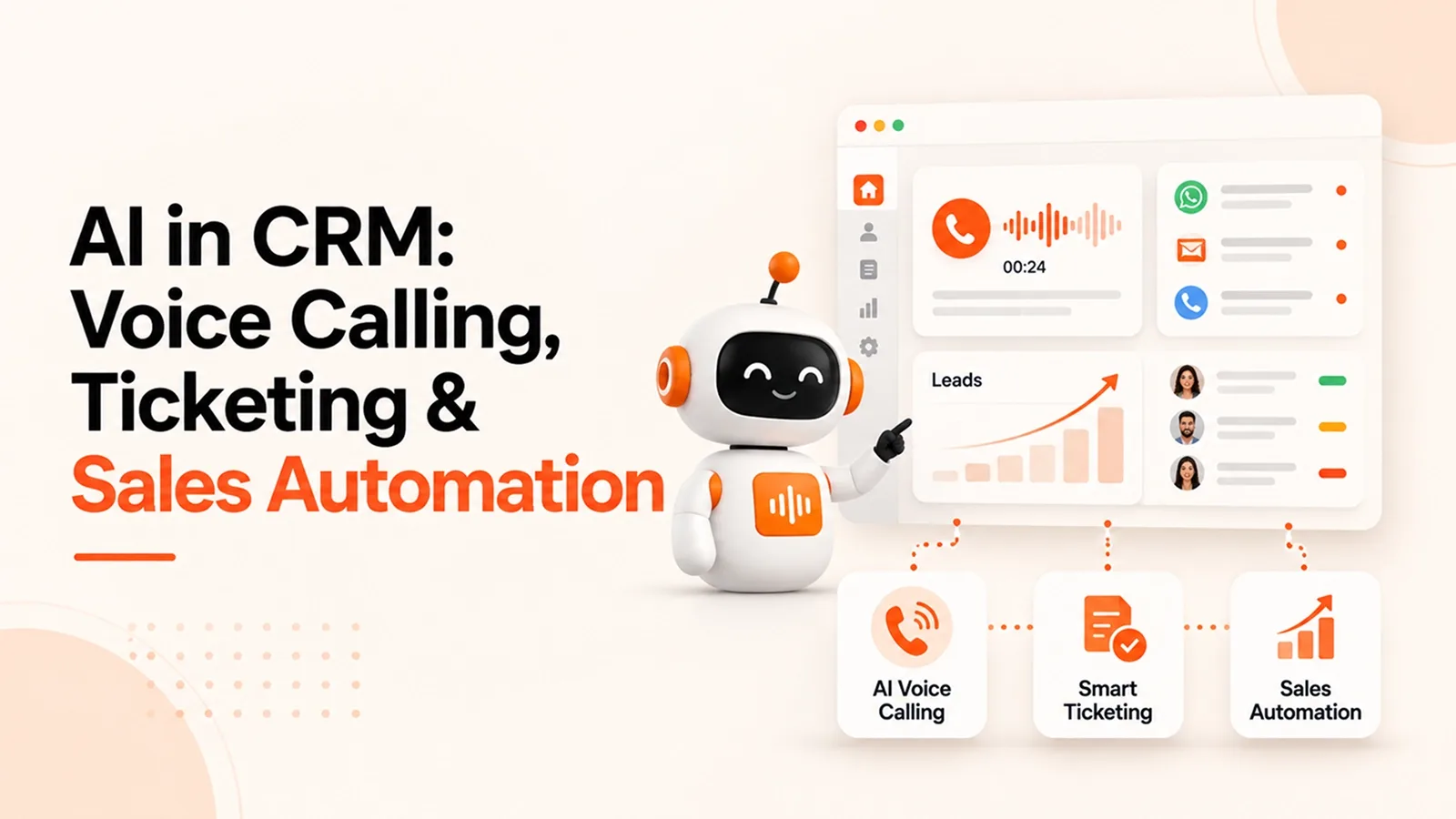
AiEngage CRM: AI agents that take action: they reply on WhatsApp, ask qualification questions, book meetings and handle follow up calls. A human can step in anytime.
HubSpot: Breeze AI writes emails, summarises records and scores leads. The deeper features come with higher plans.
Zoho CRM: Zia predicts deal chances and spots unusual trends, mostly from the Enterprise plan upward.
4. Ease of Setup
AiEngage CRM: Most teams we onboard send their first WhatsApp campaign within their first week.
HubSpot: Easy to start, harder to master once you add hubs.
Zoho CRM: The longest setup of the three, often with a partner's help.
The Real Cost of Running a CRM
A CRM pricing comparison only makes sense once you add up everything your team pays for, not just the CRM itself. Here is what a typical sales setup looks like for many teams on HubSpot or Zoho:
CRM + WhatsApp tool + calling tool + scheduling tool = four bills, four logins, four places where a lead can slip.
Plan (10 users, annual billing, before GST) | Approx. monthly cost | What else you may need |
|---|---|---|
HubSpot Sales Hub Professional | About $900 + one-time onboarding fee | A WhatsApp tool for chat-based selling |
Zoho CRM Professional | ₹14,000 | Enterprise (₹24,000) for full Zia AI, plus a WhatsApp extension |
AiEngage CRM | Custom pricing for your team | WhatsApp inbox, calling and meetings already included |
Before you sign, do your own CRM pricing comparison with every extra tool listed. The cheapest CRM on paper is rarely the cheapest in your bank statement.
Which CRM Should You Choose?
If you are only weighing HubSpot vs Zoho CRM, it comes down to marketing depth versus price and customisation. Add WhatsApp to the picture and the answer changes.
If your team... | Choose |
|---|---|
Sells mostly over WhatsApp and calls | AiEngage CRM |
Wants AI that replies and qualifies leads | AiEngage CRM |
Runs heavy inbound and email marketing | HubSpot |
Needs hundreds of third-party apps | HubSpot |
Already uses Zoho Books or Zoho Desk | Zoho CRM |
Has an admin who loves deep customisation | Zoho CRM |
Want more options? Our roundup of CRM tools we tested this year goes beyond these three.
How to Switch CRMs Without Losing Data
Export contacts, deals and notes from your current CRM as CSV files.
Clean duplicates and dead leads before importing, not after.
Map pipeline stages and custom fields first.
Run both systems side by side for a week.
Connect WhatsApp, lead forms and calling last, once the data looks right.
Still unsure which CRM suits your business type? Our guide on choosing the right CRM for your industry can help you decide.
Conclusion
There is no universal winner here, only the right fit for how your customers like to talk. If your buyers rely on email and marketing runs the show, HubSpot earns its price.
If your business already lives inside Zoho, staying put makes sense. If your leads arrive on WhatsApp and your reps live on calls, a CRM for sales teams built for exactly that will give hours back every single day.
The quickest test is your own leads.
Connect your WhatsApp number, send one campaign, and count how many chats get answered before your team even opens the inbox.
Put AiEngage CRM on Your Next Lead →
FAQs
Question: Is HubSpot better than Zoho for small businesses?
Answer: In the HubSpot vs Zoho CRM debate, HubSpot is easier to use and stronger for marketing, while Zoho is cheaper and more customisable. Neither is built around WhatsApp first.
Question: Which is the best CRM with WhatsApp integration?
Answer: Among these three, AiEngage CRM is the only one with WhatsApp built into its core, including a shared inbox and an AI agent.
Question: Is AiEngage CRM a good HubSpot alternative or Zoho CRM alternative?
Answer: Yes, especially for teams selling on WhatsApp and calls, since chat, calling, meetings, and AI agents come in one CRM.
Question: Can I move my data from HubSpot or Zoho to AiEngage CRM?
Answer: Yes. Contacts, deals, and notes can be imported through CSV, and our team helps during onboarding.
Question: Which is the best CRM for small business in India?
Answer: For teams selling on WhatsApp and calls, AiEngage CRM. For marketing-led teams, HubSpot. For existing Zoho users, Zoho CRM.

I help businesses simplify marketing, sales, and customer support through AI and automation. At AiEngage CRM, we bring lead management, WhatsApp, calling, email campaigns, meetings, and support into one connected platform. Our vision is to help businesses run smarter with AI, empowering teams to streamline everyday work, strengthen customer relationships, and drive sustainable growth.